
A small, transparent look at the Blonix card before you load it with your stablecoins
 Available in US
I went through the Blonix card the way I would any card I’m thinking of putting my own money on: slowly, with the public information laid out in front of me. Blonix pitches itself as a Visa card that spends a crypto balance, with Apple Pay and Google Pay support and the kind of setup — Fireblocks custody, real-time monitoring — that fintech cards tend to mention. That story is fine as far as it goes, but a card only matters when you know what it costs, where it works, and who is actually behind it. And those are precisely the points where Blonix is unusually quiet.
The conditions described here are current as of October 28, 2026.
Verdict
My overall mark is 5.7 out of 10. That puts Blonix in a “useful for a narrow audience, frustrating for everyone else” zone, and I’ll explain exactly why below. The short version: the day-to-day experience looks good on paper — Visa, Apple Pay, Google Pay, two card formats, Fireblocks custody — but the company tells you almost nothing about costs, limits, supported countries, who issues the card, or under which licence it operates. With crypto cards, that silence isn’t a small thing; it’s the whole ballgame.
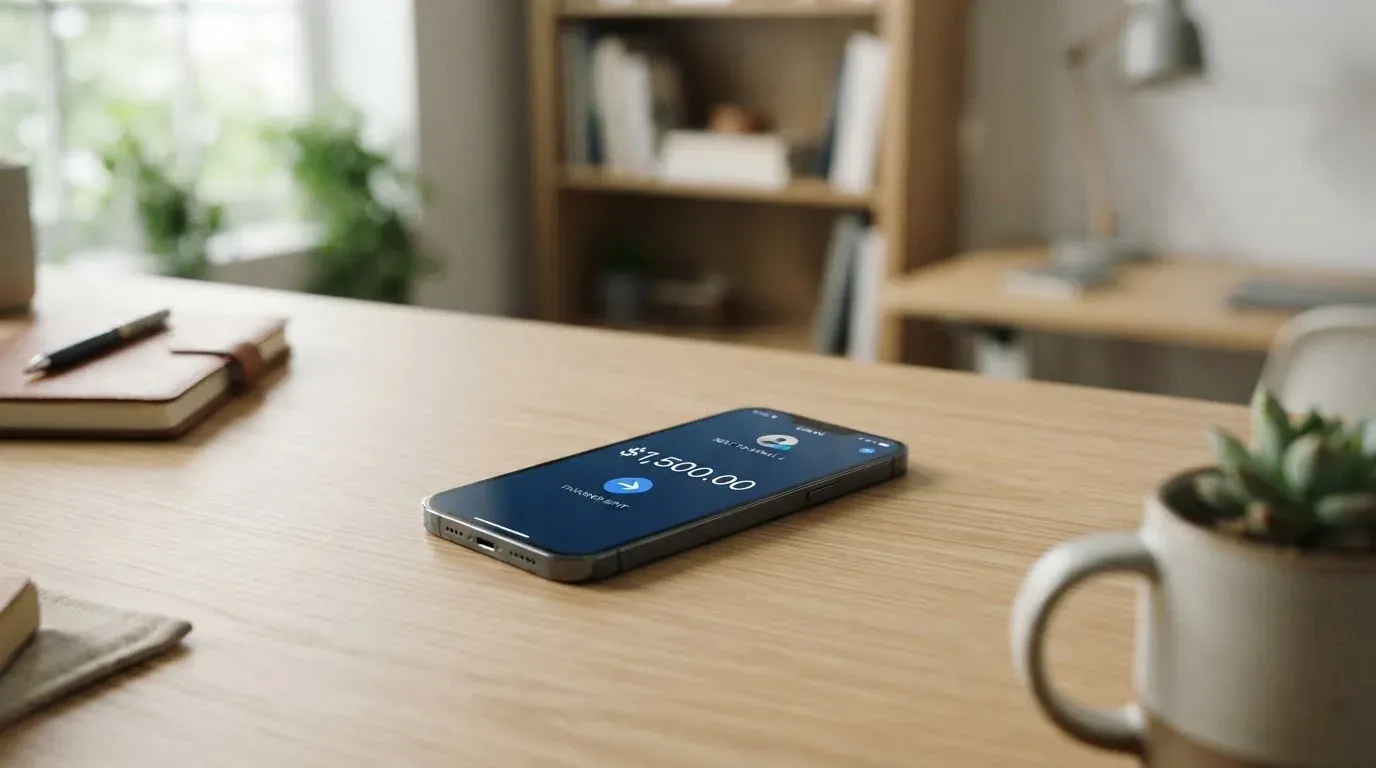
If you already hold stablecoins, want a Visa that taps into Apple Pay and Google Pay, and you’re comfortable being an early customer of a programme whose issuer and fees the provider doesn’t publish, Blonix can be worth a try with a small balance. If you’re looking for a card with a published fee schedule, a named issuer, a regulator to look up, or broad transparency about where the card works, this one isn’t ready.
Score breakdown
| Criterion | Mark | Why I gave that mark |
|---|---|---|
| Who can get it | 6 / 10 | Accounts are opened worldwide in principle, but the actual card availability depends on jurisdiction, and the supported-country list has not been re-verified. |
| Cost | 5 / 10 | Issuance fees, monthly fees, conversion and FX are not stated publicly. |
| Top-up options | 6 / 10 | The starting data lists USDT, USDC, BTC, ETH and SOL; the developer’s reply in the App Store says deposits are limited to USDT on BNB Smart Chain (BEP-20) and TRON (TRC-20), and that Bitcoin is not supported. The two sources disagree. |
| Reliability and complaints | 4 / 10 | The operator is Blonix Technologies Limited; the issuer and licences aren’t named. There’s a single 1-star App Store review describing a loss of funds, and the developer’s only response was to ask the user to contact support. Custody is by Fireblocks. |
| Everyday use | 8 / 10 | It’s a Visa, you can use it at ATMs worldwide, it works with Apple Pay and Google Pay, and it comes in two card formats. |
| Total | 5.7 / 10 |
The audience I’d point Blonix at is narrow but real: stablecoin holders who want a Visa they can put in Apple Pay or Google Pay, who already know how to send USDT on TRC-20 or BEP-20, and who are willing to treat the card as an early-stage product. If you don’t tick all of those boxes, you’ll feel the gaps the moment you try to load it or check a fee.
Who will they give you the card
Blonix says it opens accounts worldwide; the card itself is a separate question, and availability depends on your jurisdiction. The card provider’s public pages don’t publish a country list, and the support team hasn’t published a re-verified version either. So the honest answer to “can I get a Blonix card in my country?” is “Blonix says yes in principle, but the only way to know for sure is to start sign-up and see what your KYC tells you.”
A few consequences of that. If you’re in a country that mainstream bank cards avoid, or where a local card is hard to get, Blonix’s “accounts worldwide” stance is a real point in its favour. If you’re in a major market with dozens of competing cards, you have the luxury of choosing one that publishes its supported countries up front, and most of them do.
The card is a Visa. The App Store listing calls out two formats, virtual and physical. The card’s base currency isn’t stated publicly; what is stated is that the balance gets converted at the point of payment — for example, USDC to USD — which I’ll come back to in the costs section. There’s no public age statement, but as a regulated card product it will be 18+ in line with industry norms.
How to get it
Sign-up runs through the iOS or Android app, and identity verification is handled by Jumio and Sumsub — both are well-known KYC vendors, and the company says it usually finishes in under five minutes. The App Store description does flag that identity verification is part of sign-up, so you should have an ID document and a proof of address ready rather than discovering that at the end of the form.
The app itself is the only onboarding channel I’d trust. The iOS app is published as “Blonix: Crypto Card”, version 1.0.16, last updated 2026-10-17, with a single rating so far (read 2026-10-22). The Google Play listing shows the brand “BLONIX” with 10K+ downloads, though it doesn’t show a star rating on the page I saw (also 2026-10-22). The app is English-only.
Once KYC clears you choose the card format — virtual or physical — and the order goes through. Delivery time for the physical card isn’t stated on the public pages, and there isn’t a published statement on different KYC tiers or what unlocks at higher verification levels, so you won’t get a heads-up on that until you’re inside the app.
What it really costs: the Fees section
This is where the review has to be honest about the limits of the public information. Blonix’s public pages don’t publish an issuance fee, a monthly fee, a conversion percentage, an FX margin, an ATM allowance, or daily and monthly limits. The receipt on the café table in the hero image is a nice visual, but the receipt that matters is the one the company itself isn’t showing you.
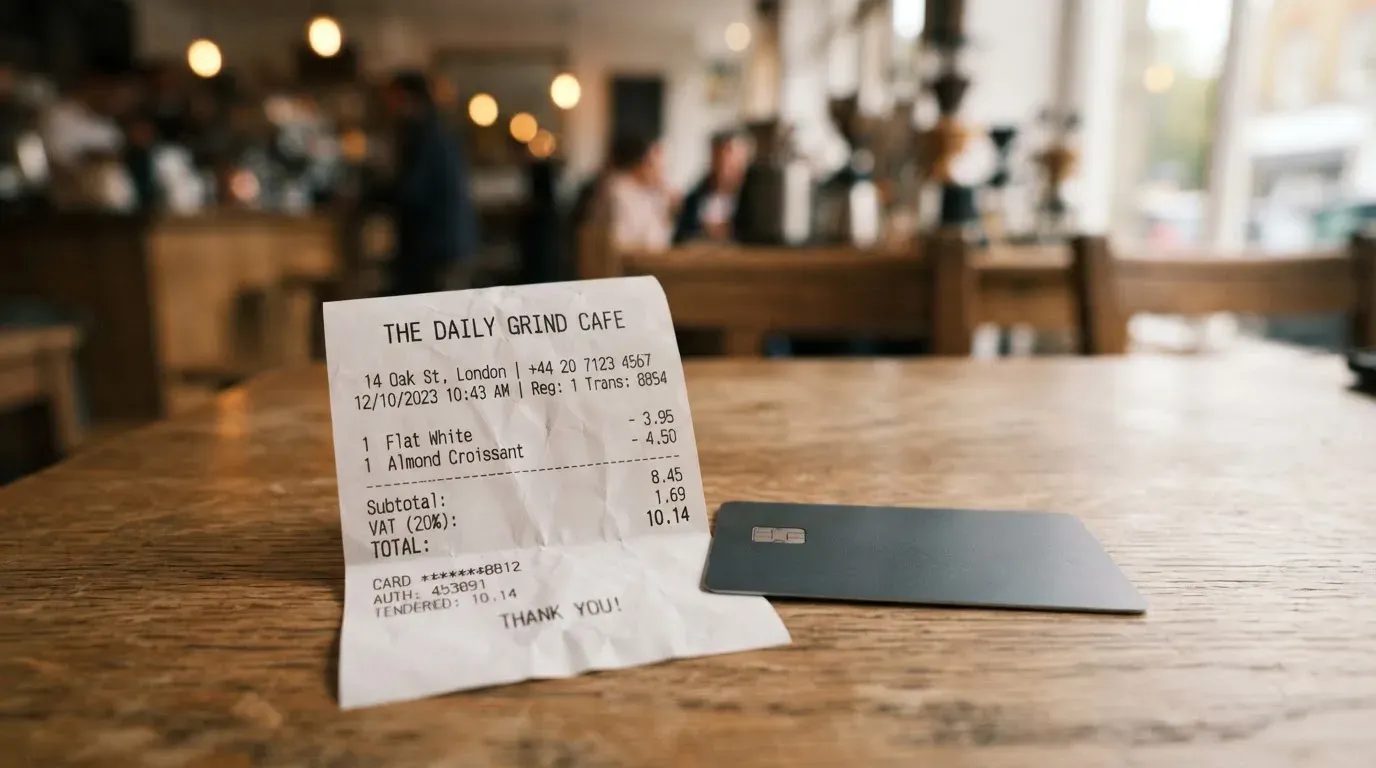
What is stated: the balance is converted at the moment of payment — for example, USDC to USD — and the card is accepted at ATMs worldwide. The fee and allowance for ATM withdrawals aren’t published. There are no published card tiers, and no published card currency. So when the marketing says “spend your crypto anywhere Visa is accepted,” the missing sentence is “we haven’t told you what that will cost.”
Cost snapshot
| Item | What Blonix says |
|---|---|
| Card issuance fee | Not stated |
| Monthly fee | Not stated |
| Crypto-to-fiat conversion at payment | Balance converted in real time (e.g. USDC to USD); fee percentage not stated |
| FX (foreign currency) margin | Not stated |
| ATM withdrawals | Accepted worldwide; fees and allowance not stated |
| Daily / monthly limits | Not stated |
| Card tiers | Not stated |
| Card base currency | Not stated |
Three everyday payments and which fees apply
Because Blonix doesn’t publish a fee schedule, I can only walk you through what would be charged, not the actual numbers. That itself is the message.
- Coffee in your home country, paid contactless with Apple Pay. You’d be paying in your local currency from a card whose base currency is unstated. The conversion margin, if any, is the only published fee concept — and Blonix doesn’t quote a number. In practice, on cards like this, that margin is where most of the cost hides.
- Hotel booking online, paid from a USDT balance. The card network (Visa) will pass the transaction through 3-D Secure, your bank will either approve frictionlessly or challenge you with a code or biometric prompt, and the USDC or USDT in your balance is converted at payment. Conversion fee, FX fee if the hotel bills in a non-USD currency, and any premium the dynamic-conversion provider adds are all on the bill — and none of them are published.
- ATM cash withdrawal abroad. The card works at ATMs worldwide, and there’s no published fee or monthly allowance. The two layers that typically apply on cards like this are the issuer’s own ATM fee and the ATM operator’s surcharge, plus the FX margin. With no published numbers, you can’t estimate a withdrawal in advance.
If a transparent fee schedule matters to you, this is the section to insist on before loading any meaningful balance.
How to top it up
Top-up is the section with the most interesting contradiction in the public material, and it’s worth your attention.
The starting public data says the Blonix wallet can be topped up with stablecoins or local currency, and that the starting list of supported assets is USDT, USDC, BTC, ETH and SOL. The developer reply in the App Store, however, says deposits are currently limited to USDT on BNB Smart Chain (BEP-20) and TRON (TRC-20), and that Bitcoin is not supported. Those two accounts disagree, and they’re both from Blonix itself — the marketing-side list and the support-side reality. I’m telling you this because if you go to load, say, USDC or ETH, you should expect friction. The narrowest reliable read of “what works today” is USDT on BEP-20 or TRC-20.
A second layer of risk worth naming: with crypto top-ups, sending on the wrong network is a common way to lose money. The two networks Blonix’s developer mentions — BEP-20 and TRC-20 — are different blockchains with the same-looking addresses in some wallets, and blockchain transfers are irreversible. If you send USDT on, say, Ethereum (ERC-20) to a TRC-20 deposit address, the funds usually cannot be recovered automatically and may need manual support intervention with no guarantee. Pick the network in the app first, then match it in your sending wallet.
On the withdrawal side, the public pages don’t state a withdrawal procedure or fee, so I can’t give you a worked example. Treat that as another thing to confirm in-app before you commit funds.
Paying with it every day
The everyday-use marks are the strongest part of the card. It’s a Visa, so it works wherever Visa is taken — that’s hundreds of millions of merchants globally. It supports Apple Pay and Google Pay, which on a phone means you tap to pay with a tokenised card number rather than the physical PAN. The two card formats — virtual and physical — give you a real choice between online-only use and a card you can hand over or insert at a terminal.
What Blonix doesn’t publish is a list of blocked merchant categories. Many crypto cards block specific MCCs (gambling MCC 7995 is the classic example) by issuer policy rather than by law, and the blocked list varies by issuer. If a specific category matters to you — gambling, crypto purchases, adult content, prepaid loads — ask support before you load.
The app shows you the balance and transactions, and the description mentions real-time transaction monitoring and spending controls. Disputes and chargebacks are a separate question. The card network rules (Visa) cover chargeback rights in principle, but prepaid-card coverage of those rights varies and Blonix doesn’t publish a dispute policy, so you should expect to negotiate any case yourself with support rather than reading a published SLA.
A small but real-world point on mobile wallets: tokenised card numbers (Apple Pay’s Device Account Number) sit in the Secure Element on your device and are restricted by the issuer. The issuer can block token usage on certain channels — for example, a token restricted to in-app and contactless but not to website use — and that policy isn’t published. If you intend to use the card mainly for online checkout rather than in store, that’s worth confirming in the app.
What can go wrong
Three categories of risk matter here, and on the first two Blonix is unusually exposed.
1. The company behind the card. Blonix Technologies Limited is the App Store seller (read 2026-10-22), and that’s the only company name you’ll find in the public material. The App Store description says services are “provided in partnership with regulated financial institutions”, but it doesn’t name the issuer, the country of issuance, or the licences. You can’t check a regulator’s register for a partner you can’t name. That isn’t a comment on whether Blonix is well-run; it’s a comment on whether you, as a customer, can independently confirm any of the things a regulator would normally confirm for you.
2. Customer feedback so far. The iOS app has a single rating in the App Store, and it’s 1 star. The review describes a loss of funds, and the developer’s only public response is that it could not verify the claim and asked the user to contact support with their registered email (read 2026-10-22). One review is not a pattern, but it is the only public signal of how the company handles a complaint. There is no Trustpilot page for Blonix, so the App Store is the only public feedback channel.
3. Crypto and counterparty risk. Custody is by Fireblocks, using MPC (multi-party computation) — that’s a serious institutional custody setup and a point in Blonix’s favour. But custody by a third party doesn’t remove counterparty risk; it just moves it. The broader crypto industry has a long history of custodial failures — Mt. Gox, Coincheck, the Ronin bridge — and the same is true of card programmes: Visa terminated FTX’s global agreements in November 2022, and a 2018 suspension of WaveCrest wiped out multiple European crypto card brands overnight. A programme closure typically runs as a notice period, then a stop on loading, then a stop on spending, then a window to withdraw any remaining balance. None of that is unique to Blonix, but it is the realistic risk you should price in.
Finally, a small operational risk: the app is English-only and support hours or channels aren’t published. The developer’s reply on the App Store simply asks users to contact the support team with their registered email. If you’re not confident in written English, that’s a real friction point.
What to take instead
If you like what Blonix is trying to do — a Visa that spends a crypto balance — but you’d prefer a programme with more public information, three names keep coming up in the same corner of the market. I’ll go through each in the same shape I used for Blonix, and I’ll be just as honest about the gaps.
Cardex — 5.6 / 10
Cardex pitches “one crypto card, 200+ countries” with no country list or exclusions in the public material, and its App Store listing is Naira-focused (pay in Naira). It runs a debit crypto card on VERVE, Visa, Mastercard and UnionPay, with both virtual and physical versions, and the card currency on the listing is Naira. The interesting design choice is the “AI-Powered Conversion Rate” — the site says it scans global exchange rates and picks the best one at the moment of spend — but no conversion-fee percentage is published. Funding is via USDT, USDC and BTC wallets; networks aren’t stated. Rewards aren’t stated. It’s broadly similar in transparency to Blonix, with a stronger multi-network story but a Naira-centric App Store presence that may or may not fit you.
CardFlow — 4.9 / 10
CardFlow is positioned as a Nigeria-focused platform (“Nigeria’s smartest fintech card platform”) aimed at “Nigerians and global users”, again with no country list or exclusions stated. It’s a virtual USD Mastercard, with the FAQ saying a virtual card is “completely free” to create; monthly fees aren’t stated. Funding is Bitcoin, USDT, ETH or Naira bank transfer, with networks not stated. Card creation takes “about 3 minutes” per the listing. If you live in Nigeria and want a free virtual Mastercard quickly, CardFlow is a serious candidate. If you’re elsewhere, the Naira-centric marketing and the absence of a published fee schedule make it harder to evaluate.
HyperCard — 4.7 / 10
HyperCard is a prepaid card whose official pages don’t publish a country list, while the App Store says the card works in “more than 176 countries” — that figure is acceptance, not eligibility, so read it as “you can spend it widely”, not “you’re eligible to apply.” The card balance is in USD or EUR, the network isn’t stated on the App Store page, and no fees are listed on the pages I could read. Funding is crypto (USDT, BTC, ETH) deposited in the app, then converted to USD or EUR on the card. Networks aren’t stated. Rewards aren’t stated. HyperCard is the cleanest of the three on positioning, but the gap between “no published fees” and “no public fees page” is real.
A quick comparison
| Card | Overall score | Network(s) | Where it shines | Where it doesn’t |
|---|---|---|---|---|
| Blonix | 5.7 / 10 | Visa | Apple Pay / Google Pay, Fireblocks custody, two card formats | Issuer, licence, country list, fees and limits not published |
| Cardex | 5.6 / 10 | VERVE, Visa, Mastercard, UnionPay | Multi-network, “AI” conversion routing | Naira-centric App Store, fees not published |
| CardFlow | 4.9 / 10 | Mastercard (virtual, USD) | Free virtual card creation, Naira funding option | Nigeria-focused, networks and fees not published |
| HyperCard | 4.7 / 10 | Not stated on App Store | 176-country acceptance claim, USD/EUR balance | Networks, fees and country list not published |
None of these cards is a clean winner on transparency, which is itself the most useful comparison result. If you want a card with a published fee schedule, a named issuer and a regulator you can look up, you’ll have to look at more established programmes — typically the ones that don’t lead with “crypto” on the homepage.
Who I would recommend it to
If you’ve read this far, you know my answer. The Blonix card is for a small, well-defined reader: someone who already holds stablecoins, knows how to send USDT on TRC-20 or BEP-20, wants a Visa that slots into Apple Pay or Google Pay, and is comfortable being an early customer of a programme whose issuer and fee schedule the provider doesn’t publish. Treat the first balance as a test balance, not a working balance. Send only what you can afford to write off, watch the app for a few weeks, and only scale up if support responds, conversion behaves the way the App Store description suggests, and your first ATM or online transaction settles cleanly.
If any of that doesn’t describe you — if you want a published fee schedule, a named issuer, a regulator to look up, a country list to check your eligibility against, support in a language other than English, or a card with a transparent dispute process — Blonix isn’t the right card today. The everyday-use marks are real, but the things around the edges are not, and the edges are where most card problems live.
Frequently asked questions
What is the Blonix card?
The Blonix card is a Visa debit card whose balance is funded from crypto — most reliably USDT on BNB Smart Chain (BEP-20) or TRON (TRC-20) according to the developer’s own App Store reply. The app, “Blonix: Crypto Card”, is published by Blonix Technologies Limited. It comes in virtual and physical formats and supports Apple Pay and Google Pay.
How does the Blonix card work?
You install the iOS or Android app, pass KYC through Jumio or Sumsub, top up the wallet with crypto, and the balance is converted to fiat at the moment of payment. A contactless or online payment draws on the converted balance, and Apple Pay or Google Pay tokenises the card number on your device. The card’s base currency isn’t stated publicly.
Is Blonix a bank?
No. Blonix Technologies Limited is the operator and App Store seller, and the App Store description says the service is “provided in partnership with regulated financial institutions”. The specific issuer, its country, and the licence aren’t named in the public material, so there is no regulator you can independently look up from the public pages.
Who owns Blonix?
The only company name in the public material is Blonix Technologies Limited, the App Store seller. Ownership, leadership and corporate structure aren’t stated publicly.
Is the Blonix card available in my country?
The company says accounts are opened worldwide and that card availability depends on jurisdiction, but a country list isn’t published. The only way to know for sure is to start sign-up, pass KYC, and see whether the app offers you a card at the end. If a transparent country list matters to you, that absence is a reason to look elsewhere.
How do I get the Blonix card?
Download the iOS or Android app, complete identity verification with Jumio or Sumsub (the company says this usually takes under five minutes), choose virtual or physical, and place the order. Have an ID document and a proof of address ready, because verification is part of sign-up. Delivery time for the physical card isn’t stated.
Does the Blonix card require KYC?
Yes. The App Store description lists identity verification at sign-up, and the company uses Jumio and Sumsub — both established KYC vendors. The level of KYC isn’t published, and there is no public statement of what unlocks at higher verification tiers.
How do I top up the Blonix card?
The starting public data lists USDT, USDC, BTC, ETH and SOL, but the developer’s App Store reply says only USDT on BNB Smart Chain (BEP-20) and TRON (TRC-20) are supported today, and that Bitcoin isn’t supported. Pick the network in the Blonix app first, then match it in your sending wallet — sending on the wrong network is the most common way to lose a crypto top-up, and blockchain transfers are irreversible.
Is the Blonix card safe?
The custody is by Fireblocks using MPC, and the App Store description mentions spending controls, real-time transaction monitoring and fraud protection. Against that, the issuer and its licence aren’t named, the app has a single 1-star App Store review describing a loss of funds, and custodial risk in crypto is structural. Treat the first balance as a test, not a working balance.
Is the Blonix card worth it?
It depends on what “worth it” means to you. If you want Apple Pay and Google Pay on a Visa that spends stablecoins, and you’re comfortable being an early customer of a programme with no published fee schedule, the everyday-use marks are real. If you want a published fee schedule, a named issuer, a transparent dispute process, or a country list to check your eligibility against, the gaps are big enough that I’d look at the alternatives in the comparison above first.
Virtual card fees – cryptocardfacts
Content created by the «cryptocardfacts» team