
The virtual USD Mastercard from a crypto exchange, with fees that add up quietly and a lot of "not stated" behind it
 Available in US
DiCard is a virtual card you load with USDT and then spend like an ordinary Mastercard. It is not issued by a bank, and the company behind it is a crypto exchange. That single sentence decides most of what follows. The card works, in the way these things usually work, but it charges a fee here, a fee there, and a fee on currency that most people will not see coming, and the documents behind it are thin in places that matter.
My score for it is 4.7 out of 10. That is not a dismissal. It is a card with a real job to do for a small group of people, doing that job imperfectly, in a category where several competitors now do the same thing with more of the numbers published.
So who is this for? The clearest fit is someone who already holds a DigiFinex account, sits on USDT there, and wants to spend it without touching an exchange interface at the till. If that is you, read the fees section properly before you decide, because the top-up fee and the FX fee are the two numbers that decide whether this is worth using. If you are anybody else — if you want a card mainly because a normal bank card is hard to get where you live, or you want cash from ATMs, or you want Google Pay — this card leaves you with a lot of blank spaces.
Conditions are current as of October 28, 2026.
| Criterion | Mark | Why |
|---|---|---|
| Who can get it | 7 / 10 | The country list is not published in the pages I could read; unofficial third-party material points to restrictions |
| Cost | 4 / 10 | $5 application, $0 annual, 1.3% top-up (0.3% for the first five), $0.25 or $0.5 fixed per transaction, 1.5% FX |
| Top-up options | 4 / 10 | USDT only, 15–5000 USDT per transaction, networks not named |
| Reliability and complaints | 3 / 10 | Issuer and licences not named; Trustpilot for DigiFinex sits at 2.1 out of 5 from 121 reviews |
| Everyday use | 5 / 10 | Virtual card instantly, Apple Pay and Alipay; physical card, Google Pay and ATM not stated |
| Total | 4.7 / 10 |
Will they give you the card?
Short answer: probably, if you can open a DigiFinex account, but nobody will tell you the country list, so you cannot know for certain before trying.
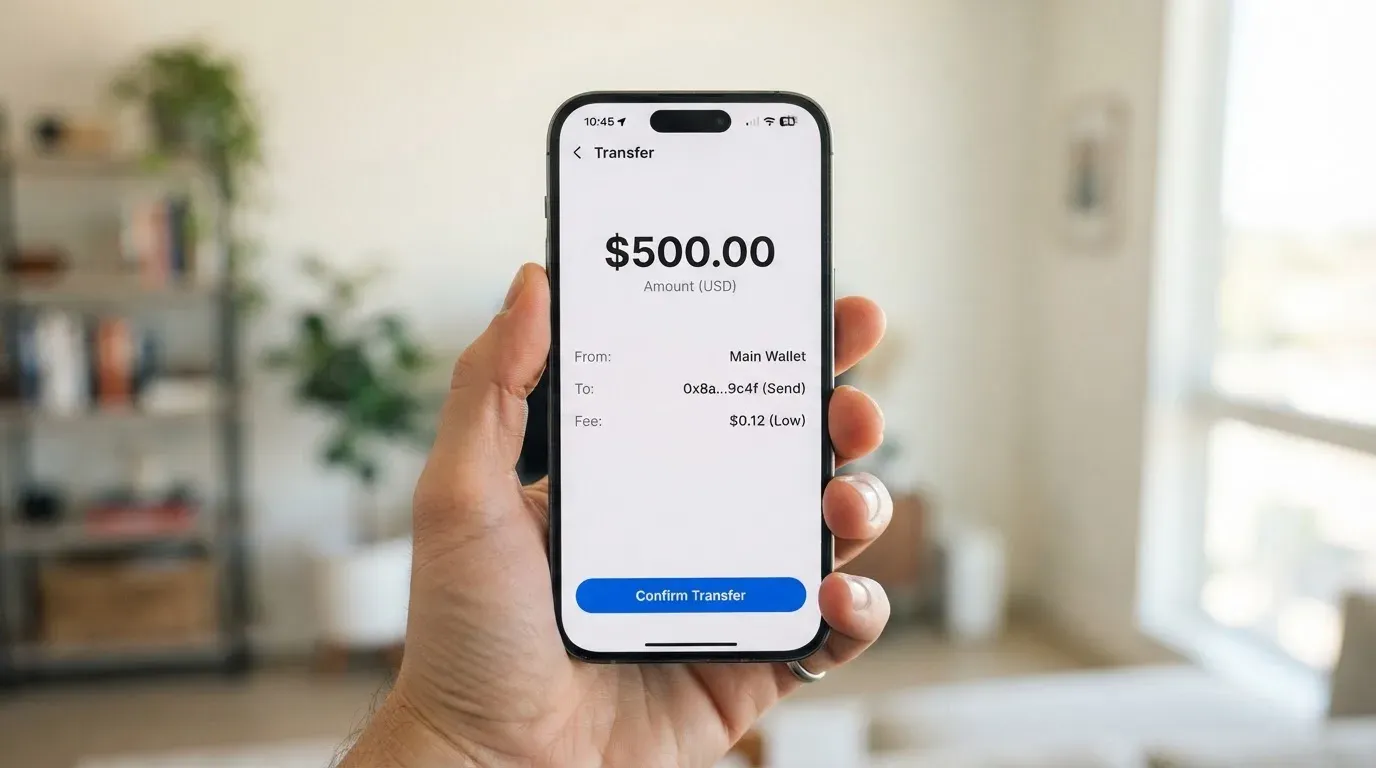
Here is the honest position. The card’s own public pages, the ones I could read, do not publish a list of eligible countries. That is not stated. It is the single most useful fact the vendor has left out, because “who can get it” is question one for anybody who has been turned away by a bank. What I could find instead came from older DigiFinex pages, two to six years old, and those pages were about credit-card top-ups for crypto rather than about DiCard itself — they exclude United States and Singapore citizens. DigiFinex’s terms list United States, Singapore, Canada and China as restricted areas. Treat all of that as unofficial: it comes from third-party sources, it is undated, and none of it was confirmed by the card’s own current pages.
What that means for you in practice: if you are a citizen of one of those four countries, assume the answer is no until DigiFinex tells you otherwise, and do not assume a workaround exists. There is nothing on this card that makes country rules apply to you more loosely than to anyone else — no way around identity checks, no route past a restricted-area policy, and none that I would tell you about if it existed. The only legitimate move is to ask the company directly and get a written answer.
The reverse case matters too. If your country is unlisted, that silence is not a green light; it just means the vendor has not published the list. Eligibility also runs through the exchange account rather than through the card page alone, so an account you cannot open is a card you cannot have, whatever the card page says.
How to get it
The route is short: you apply through the card page at the DigiFinex card page, and you need a DigiFinex account to do it. That is the whole process as far as it is documented.
What is not documented is almost everything else. The pages I could read do not state which documents are required, whether proof of address is needed, what age is enforced, or how many steps sit between the form and a working card number. The identity-verification level is not stated either. If you have been through exchange KYC before, you will recognise the shape of the process, but you will be guessing about the specifics, and guessing costs time when you are trying to pay for something that day.
The one clear promise is speed on the virtual side. The card is issued instantly, in USD, as a Mastercard. The announcement called it a “credit card”; that word is doing a lot of work, because what you are actually funding is a balance, and there is no credit extended to you. As for a physical card — a piece of plastic you could put in a wallet — it is not stated. Do not plan around having one.
| Step | What happens | Documented? |
|---|---|---|
| Open a DigiFinex account | Exchange account is required for the card | Yes |
| Apply | Through the card page at the DigiFinex card page | Yes |
| Verification | Documents, proof of address, age, steps | Not stated |
| Virtual card | Issued instantly, USD, Mastercard | Yes |
| Physical card | Shipping and availability | Not stated |
What it really costs: Fees and limits
Two or three prices, not one. This is the section that decides whether DiCard is worth your time, and I would read it twice.
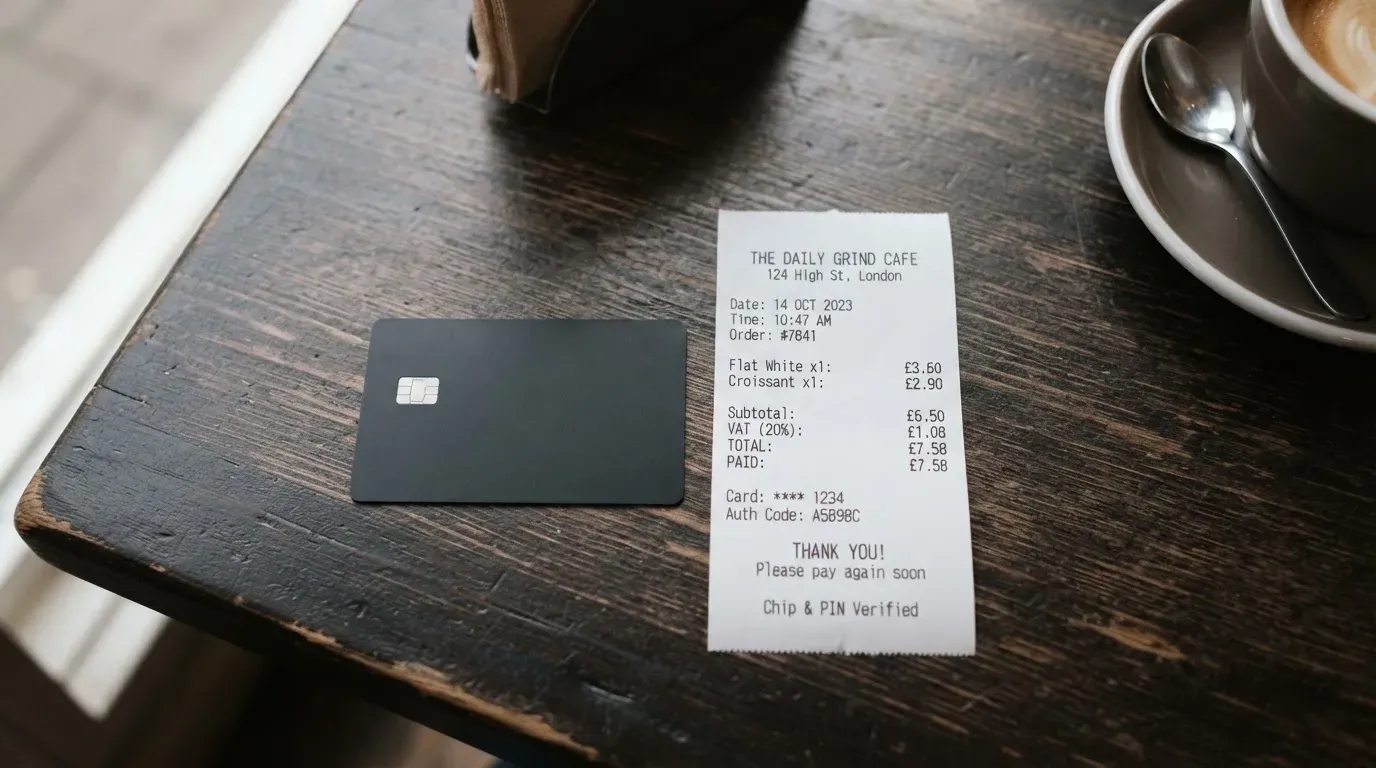
The card costs $5 to apply — the same on both Lite and Premier — and $0 a year, with no monthly fee stated. That sounds generous next to cards that bill annually, and on paper it is the strongest part of the offer. Then the money starts moving. Topping up costs 1.3%, dropping to 0.3% for your first five deposits. Each payment costs a fixed fee of $0.25 on Lite or $0.5 on Premier. And converting currency costs 1.5%, except that USD transactions carry no currency conversion fee at all.
Those are the numbers I would plan around. Note the asymmetry: the card is USD-based, so a USD-denominated payment costs you the fixed fee only, while anything in another currency costs you the fixed fee and the 1.5%. That single design choice will make the card feel cheap in one country and expensive in another.
One conflict worth flagging rather than smoothing over. Third-party captures of the DigiFinex card page list a 1 USDT application fee with no monthly or annual fee, and a 2% currency conversion fee on the USD-based card — against the $5 and 1.5% figures above. Those are unofficial and undated, and they disagree with the figures I have treated as current. The page has evidently been revised at some point. Take the newer numbers as the working ones, and check the live page yourself before you commit money.
| Fee or limit | Lite | Premier |
|---|---|---|
| Application fee | $5 per card | $5 per card |
| Annual fee | $0 | $0 |
| Monthly fee | Not stated | Not stated |
| Top-up fee | 1.3% (0.3% for the first 5 deposits) | 1.3% (0.3% for the first 5 deposits) |
| Fixed fee per transaction | $0.25 | $0.5 |
| FX conversion fee | 1.5% on non-USD payments | 1.5% on non-USD payments |
| USD transactions | No currency conversion fee | No currency conversion fee |
| ATM | Availability and fee not stated | Availability and fee not stated; cash disbursements are on the restricted-category list |
| Per transaction | $5,000 | $25,000 |
| Daily | $20,000 | $50,000 |
| Monthly | $100,000 | $400,000 |
| Annual | $500,000 | $1,000,000 |
Two everyday payments, so you can see which fees bite. Buying a $20 lunch in the United States on Lite: $20 plus $0.25, no conversion fee — because the payment is in USD. That is the card at its best. Buying the same $20 lunch converted at $20 into euros on Lite: $20 plus $0.25 plus 1.5% on the conversion, and the conversion rate itself is whatever the provider gets, which is not published. And topping up matters in both cases: the $20 of USDT you loaded cost you 1.3% — or 0.3% if it was one of your first five deposits — before any of it was spent.
So the fee stack, in the order you meet it: 1.3% on the way in, a fixed 25 or 50 cents on every payment out, 1.5% on anything that is not dollars. On a card where the fixed fee is large relative to the purchase, small purchases are expensive. A $3 coffee on Lite costs 8% in fixed fees alone. That arithmetic is the whole review, really.
On ATM withdrawals, the pages I could read do not state availability or fees — and Premier’s restricted-category list names cash disbursements and quasi-cash transactions. Where a card does not tell you what a withdrawal costs, assume you will find out badly.
How to top it up
USDT, and only USDT. The minimum is 15 USDT and the maximum 5000 USDT per transaction, on both tiers, coming from your DigiFinex spot account. The fee is the 1.3% above, or 0.3% for your first five deposits.
Three gaps you should know about before you need them. Which networks are supported is not stated. That matters more than it sounds: a stablecoin deposit sent on a network the provider does not support, or to an address belonging to a different network, can be lost outright — blockchain transfers are irreversible, and recovery depends on manual support with no guarantee attached. Whether you pay the on-chain network fee or whether that is included is not stated either. And how to fund with fiat is not stated, which leaves a question hanging: does the card require you to already hold USDT on the exchange, and if the exchange will not convert your dollars for you, this card is not for you at all?
The first-five-deposits discount is worth noting as a design. It is a genuine discount on real spending, and it also nudges you to concentrate your balance on one card, which concentrates the risk described below.
One thing to avoid confusing: network fees for a crypto deposit are charged by the blockchain, not by the card provider. Someone will eventually point this out to you as a way of explaining a fee that the card’s own page does not list. It is true, and it is not the same as the 1.3%.
Withdrawing back out works on Premier only: you can move the card balance to your DigiFinex spot account, minimum 1 USD, maximum 5000 USD per day. On Lite it does not apply. The withdrawal fee is not stated in the support article, and what happens to a balance if you close the card is not stated either — though a third-party capture of the card page lists a $0.50 withdrawal fee, unofficial and undated. If you are on Lite and load money you cannot spend, you have a real problem, and it is one of the reasons I rate the top-up section low.
Paying with it every day
It is a virtual card in your wallet, usable at online checkouts and anywhere a card number is accepted, plus Apple Pay and Alipay. There is a support article on adding the card to Apple Pay, updated 2026-08-19. Google Pay is not stated — and Apple Pay’s own mechanics are worth understanding: the card number is replaced by a device-specific number stored in the phone’s secure hardware, not on Apple’s servers, and each payment carries a one-time code. That is a genuine security improvement, not a marketing line.
The blocked-categories lists are where this card tells you more about itself than most. Lite blocks crypto exchanges, gambling, gaming, lending and payment platforms, gift-card sellers, charities, adult and dating sites, and takeaway and delivery services — and it flags Apple, YouTube, Telegram Premium and TikTok as likely to fail. That last detail matters more than it looks: a card that fails at Apple or YouTube is a card that will embarrass you at the wrong moment. Premier instead blocks by merchant category code — the four-digit number that classifies a business — for weapons, drugs, tobacco, pawn and jewellery, direct marketing, financial institutions and money transfers, securities brokers, escort and dating, gambling, unions and political and religious organisations, and bail. So Premier is not automatically the freer card; it trades a merchant blacklist for a category blacklist.
Where a card declines, the money is not always gone and the purchase is not always lost. A declined authorisation can leave a hold on your funds for several days, typically up to seven. That is worth remembering before you assume the shop has your money.
Loyalty is largely theoretical. Deposit and spending cashback was announced as “coming soon” in August 2025, and it still is not stated as live. Points do exist: 100 points equals 1 USDT, redeemable against card top-ups, earned through activities, and the points article itself says spending cashback is not yet covered. Points that redeem against top-ups are, note, a discount on the 1.3% — not on what you spend.
The app you will manage all this through is the DigiFinex exchange app, not a card app. It is rated 3.2 out of 5 on the App Store from 59 ratings, read 2026-10-21. Dispute handling is not stated; only that Lite’s restricted list flags some merchant types as carrying cancellation or refund risk.
What can go wrong
This is the section where the card loses most of its marks, and it is not about the card. It is about who stands behind it.
DigiFinex is a crypto exchange. The App Store lists the seller as DIGIFINEX PTE. LTD. The card issuer and the e-money institution behind the balance are not named in the pages I could read, and neither are any licences. For a card that holds money, that absence is not a technicality. Under EU rules an electronic money institution must safeguard customer funds in dedicated accounts or insure them, and such funds are not bank deposits — they are not covered by a deposit guarantee scheme. So when I say the money is held by a counterparty, I mean a company whose obligations, jurisdiction and regulator I could not verify from the pages in front of me.
Then there is the record. Trustpilot shows DigiFinex at a TrustScore of 2.1 out of 5 from 121 reviews, read 2026-10-21. That is the exchange, not the card specifically, and I want to be exact about that distinction — but you are buying the card from those people. Reviewers report withdrawals stuck for weeks or months pending compliance review, support that is generic or slow, and a card that stopped working with funds stuck (December 2024; DigiFinex replied that supplier issues had led to refunds to spot accounts). No official incident notice was found, so this is user-reported pattern rather than a documented event — but “my card stopped working and my money was stuck” is precisely the failure mode you care about.
The card’s own rules create the rest. Card transactions tied to virtual currency, gambling or gaming may lead to a freeze or cancellation — stated officially, which is unusually candid. Three consecutive low-amount transactions lock the card, which will happen to anyone testing a card at three small shops in a row. High-risk transactions can lead to the card being frozen or permanently deactivated. Two-factor authentication and in-app freeze are not stated as available, which is another quiet gap in the security story. The custody model is not stated, but the practical position is that your funds are tied to a DigiFinex exchange account.
The category history explains why this matters more than it might seem. Custodial platforms have failed before, and the reported figures are large: about US$350 million at Mt. Gox between 2011 and 2014, about US$400 million at Coincheck in 2018, US$625 million at Ronin Network in 2022. Card programmes have been switched off underneath users too — Visa ended its global agreements with FTX on 13 November 2022, WaveCrest was suspended by Visa in Europe in 2018 with all its Visa programmes closed, and the usual sequence is a notice period, then loading and spending stopped, then a request to withdraw your balance while it is still there.
And one more category risk that has nothing to do with the exchange: a card issued in one country can look foreign to a shop in another. Merchants can read the issuer country and institution from the card number and apply extra scrutiny; some decline prepaid and foreign cards outright. With a USD-based card held by someone paying in another currency, occasional declines are a known feature of this kind of card rather than a malfunction.
One last thing on paperwork. I am not going to tell you how taxes work for you — that is a conversation with an accountant in your own country. The general shape is that in the US digital assets are treated as property, so each payment funded from crypto can be a separate taxable event measured in local currency at that day’s value. If this card is going to be used repeatedly, it is worth asking a professional how your use of it is treated where you live.
What to take instead
The comparison is not flattering. Two rivals score higher on my scale, and one of them publishes its numbers in a way that makes this card’s silence look worse by comparison.
| Alternative | Score | Card type | Top-up | Fees worth noting |
|---|---|---|---|---|
| DiCard | 4.7 / 10 | Virtual Mastercard, USD | USDT only | 1.3% top-up; $0.25/$0.5 per payment; 1.5% FX |
| Young Card | 5.7 / 10 | Not stated officially | Not stated for the card | Cashback paid in YNG tokens: 0.1% Essential, 1.8% Gold, 3.6% Platinum (Bronze and Silver not stated) |
| MSX | 6.4 / 10 | Not stated officially | Not stated | Not stated |
| Bybit Card | 6.0 / 10 | Virtual and physical, Mastercard or Visa by region | Draws on Funding Account and Flexible Easy Earn, fiat first, crypto sold if needed | 0.9% crypto conversion (0.5% Argentina); 2% FX fee on top of the network rate (1.5% Brazil, 1% Peru, 7% Argentina, 2% Kazakhstan international fee) |
None of the three is a clean recommendation either — country eligibility, card type and fees are not stated for Young Card or MSX, which is its own problem. But the structure of the choice is real.
Bybit is the serious comparison. It is far more transparent: virtual card issuance is free in all regions “until further notice”, there are no annual fees, the crypto conversion fee is 0.9% over the reference rate (0.5% in Argentina), and the FX fee is stated per region. Its restrictions are also stated, bluntly — the card is not for European Economic Area customers, participation is strictly prohibited, and the supported regions are listed. Card currency follows the country, not a fixed dollar: ARS in Argentina, MXN in Mexico, BRL in Brazil, PEN or USD in Peru, USD in AIFC, Georgia, Kazakhstan, Australia and Asia Pacific. Rewards are live rather than promised, with tiers from Base at 2.00% up to Infinite at 10% — though from 2026-10-05 only crypto-funded transactions earn, fiat-funded spending does not.
Bybit is also much heavier. It charges real money for physical cards in several regions, its limits and taxes are more elaborate, and its own scale brings its own history. Young Card and MSX score better mainly by not being documented enough for me to penalise them; that is not a recommendation so much as an absence of evidence, and it is a reminder that a thin page like DiCard’s is not unique.
For most people reading this, the honest framing is: compare on the three numbers that decide it — the top-up fee, the fixed per-payment fee, and the FX fee — and on whether the vendor will tell you who is behind the money.
Who I would recommend it to
I would recommend DiCard to a narrow group, and I would tell that group to keep the balance small.
That group is: you already have a DigiFinex account, you are paid in or hold USDT there, you spend mainly in dollars, you are comfortable with a virtual card as the only form, and you treat the balance as spendable cash rather than as savings. In that shape the card does what it says — $5 once, no annual fee, instant virtual card, Apple Pay, a reduced top-up fee for your first five deposits, and published limits that are generous for the price. You will not be overdraw risk, which is its own kind of safety.
I would not recommend it if any of the following is you. If you need cash from an ATM, the fee and availability are not stated. If you need a physical card for a shop that will not take a phone, or if Google Pay matters to you. If you are outside the United States, Singapore, Canada or China and want certainty rather than an unofficial list. If you care about Google Pay, blocked categories, withdrawal fees or what happens to your balance on closure — the vendor does not say. If you have been burned by a custodial platform before and would rather the money sat in a wallet you hold the keys to; with this card it does not. And if you intend to hold a balance you cannot spend, because Lite has no way to withdraw it.
Above all: if the reason you are here is that ordinary banking is difficult where you are, weigh this card as a payment tool, not as banking. A payment tool is fine for a coffee and a train ticket. It is not a place to keep money you would miss.
One practical piece of advice. If you try it, put in the minimum — 15 USDT is the smallest top-up — and use it for the payments you were going to make anyway. That tests the card, the FX path, the Apple Pay setup and the support line, for the cost of one coffee and a $5 fee, without committing you to anything.
Frequently asked questions
What is the DiCard card?
DiCard is a virtual payment card offered by the crypto exchange DigiFinex. You load it with USDT, the card holds a USD balance, and you spend that balance like an ordinary Mastercard — online, in shops, or through Apple Pay. It is not a bank account and it involves no credit: you are spending money already loaded, so it cannot overdraw. The card’s public pages do not name the institution that actually issues the card or the licences behind it.
How does DiCard card work?
You top up from your DigiFinex spot account in USDT, paying 1.3% (0.3% on your first five deposits). The card spends that balance, charging $0.25 per transaction on Lite or $0.5 on Premier. Spending in US dollars carries no conversion fee; spending in other currencies adds 1.5%. It behaves like a prepaid card rather than a debit card, with published limits: $5,000 per transaction and $20,000 a day on Lite, $25,000 and $50,000 on Premier.
Is DiCard a bank?
No. It is a card issued by a crypto exchange, and the pages I could read do not name the issuing bank or e-money institution, nor any licences. What you hold is a balance inside a company you are trusting with your money, not a bank deposit. Customer funds at an e-money institution are normally safeguarded separately or insured, but that is not the same as deposit guarantee protection, so treat the balance as exposed to that company’s solvency and to its compliance decisions.
Is DiCard card available in my country?
Nobody publishes the list, and that is the honest answer. The card’s readable pages do not state eligible countries. Unofficial third-party material points to the United States, Singapore, Canada and China being restricted for DigiFinex generally, with older pages also excluding US and Singapore citizens — but none of that is confirmed by the card’s own current pages. If you are a national of one of those countries, assume it is not available and get a written answer from DigiFinex before relying on it.
How do I apply for the DiCard card?
Apply through the card page at the DigiFinex card page, and you need a DigiFinex account first. A virtual card is issued instantly once you are through, in USD, on Mastercard. The pages I could read do not state which documents are required, whether proof of address is needed, the minimum age or the number of steps — so expect to work that out during the application rather than before it. Whether a physical card is available at all is not stated.
Does DiCard card require KYC?
You cannot get one without a DigiFinex account, and an exchange account requires identity verification, so yes in practice — though the card’s own pages do not restate the KYC level for the card. Exchanges are obliged under anti-money-laundering rules to verify customers, monitor transactions and report suspicious activity, which is why accounts get frozen pending documents. In the EU that due diligence covers name, address, date of birth, nationality and ID, plus a sanctions check.
How much does DiCard cost to use?
The application fee is $5 per card, the annual fee is $0, and no monthly fee is stated. Then it is 1.3% to top up, 0.3% on your first five deposits, plus $0.25 per payment on Lite or $0.5 on Premier, plus 1.5% on any non-USD conversion. On Lite a $3 purchase costs about 8% in fixed fees alone, so this is a card for larger tickets, not for small ones. Older unofficial captures of the page list 1 USDT and a 2% FX fee — check the live page yourself.
Can I use DiCard at a cash machine?
The card’s pages do not state ATM availability or fees, and Premier’s restricted-category list explicitly includes cash disbursements and quasi-cash transactions. So do not plan on it. In practice that leaves the card usable in shops, online, and through Apple Pay, which is listed as supported along with Alipay; Google Pay is not stated. If physical cash is a requirement, this is not the card for you.
Is DiCard card safe and worth it?
Safe is relative. Your balance sits with an exchange, and on Trustpilot DigiFinex scores 2.1 out of 5 from 121 reviews, with reports of card failure with funds stuck and of withdrawal delays. The card’s own rules allow freezes for high-risk or virtual-currency-related transactions and after three consecutive low-value payments. In practice: load only what you plan to spend, treat the balance as spendable cash, and check your exchange account before you keep anything you cannot afford to have frozen.
How do I withdraw money from the card?
Only on Premier, which lets you withdraw the card balance to your DigiFinex spot account, with a minimum of 1 USD and a maximum of 5000 USD per day. On Lite, withdrawal is not applicable. The support article does not state the withdrawal fee, though an unofficial capture of the card page lists $0.50, and what happens to a balance when you close the card is not stated at all. That asymmetry alone is a good reason to prefer Premier if you intend to move money back.
Exchange card fees – cryptocardfacts
Content created by the «cryptocardfacts» team