
Solid card, reviewed from the reader's side: what it costs, where it works, and where it falls short
 Available in US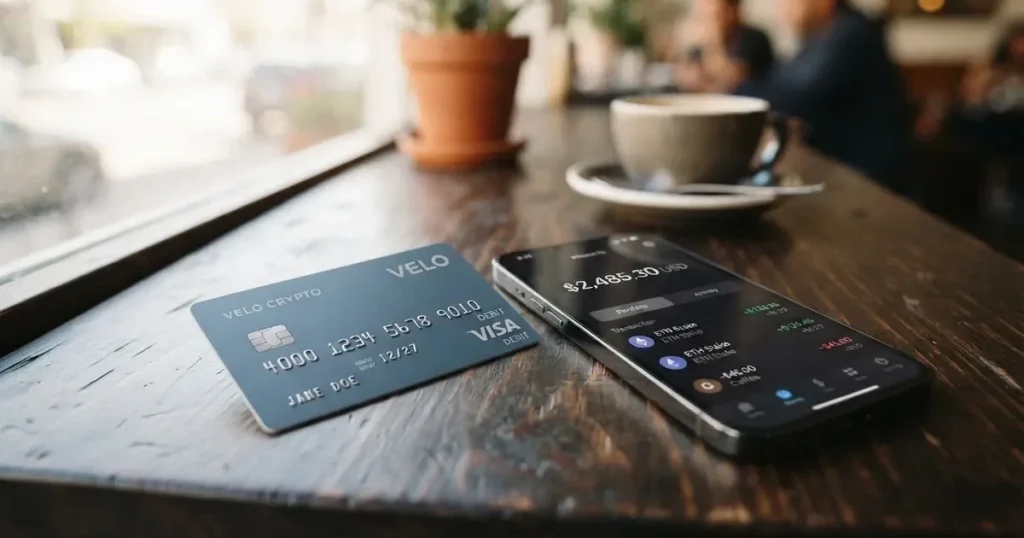
The Solid card is one of the more unusual entries in the crypto-card space, because it pairs a non-custodial wallet with a free Visa virtual card. There is no issuance fee, no monthly fee and a 0% top-up fee at every tier, and the card itself is a single-click virtual Visa issued on the Platinum tier. That combination is rare enough to look at carefully: free is easy to promise, less easy to deliver without the fine print taking it back.
I went through Solid’s public pages, the fee tables, the tier conditions, and the support material, and I read the material with you in mind: someone who already holds crypto, would rather not hand their private keys to a card company, and wants a card that behaves like an ordinary one at the till. The score I arrived at sits at 7.8 out of 10, and the reasons for that score are the spine of this review. If you are short on time, the verdict section gives you the headline; the rest of the page walks through who can get one, what it really costs, how to fund it, what everyday use feels like, where the risks are, and which cards to consider instead.
The conditions described here are current as of October 28, 2026.
Verdict
Solid scores 7.8 out of 10. The breakdown is in the table below, and the short version is: it is hard to beat on price, the eligibility is wide, the funding options are practical, and the company behind it is set up in a way that should not ring alarm bells — but the everyday-use score drags the total down because the card is virtual-only, and that has real consequences at the cash machine and at the till.
| Criterion | Score | Why it scores that way |
|---|---|---|
| Who can get it | 9 / 10 | Offered in 105 countries across most major regions; no public country list |
| Cost | 8 / 10 | Issuance and monthly fee are free, top-up is 0% at all tiers; non-USD spending carries 1.5% |
| Top-up options | 8 / 10 | USDC, USDT or dollars via bank transfer or crypto on Fuse, Ethereum, Base, others via a bridge, from $10 |
| Reliability and complaints | 8 / 10 | Issuer Rain or Wirex by country, banking partner SSB, Member FDIC; self-custody; no complaints or reviews found |
| Everyday use | 5 / 10 | Virtual Visa only, no physical card described; Apple Pay and Google Pay are available; ATM access is not provided |
The card suits a self-custody user who wants a free virtual card tied to a wallet they already control, spends mostly in USD, and does not need to walk up to an ATM or hand over a piece of plastic. It does not suit a traveller who relies on ATM withdrawals, a shopper who wants a metal card in the post, or anyone who needs to spend in many currencies without an FX cost.
Who can get the Solid card
Solid says it issues cards in 105 countries across most major world regions, but it does not publish that list. The rule for eligibility is by country of residence, not citizenship, and the issuer you are matched with depends on where you live: Rain or Wirex, depending on your country. If you open the app and your country is not supported, the only guidance the site offers is to “check the app for your country, or join the waitlist.”
Because the country list is not published, you only find out for certain when you try to sign up. That is a deliberate design choice rather than an oversight, but it does mean a fair amount of trial-and-error for anyone whose country falls on or near a sanctions or compliance boundary.
Unofficial reporting from an affiliate site (SpendNode, September 2026) lists a number of countries where cards are not issued to residents, including India, Turkey and Russia. I am flagging that as unofficial because it is not confirmed by Solid’s own pages, and a third-party list of excluded countries is not the same as a statement from the card issuer. Treat the list as a hint, not a fact.
How to get the Solid card
Sign-up is built around a single identity check. Solid says you “verify your identity in about 2 minutes and your card activates.” The site does not list which documents are accepted, what counts as proof of address, or what the age requirement is. The absence of a public documents list is not unusual in this category, but it is worth knowing before you start.
The flow, as described, runs in this order: download the app, complete the identity verification, get your free virtual Solid card directly in the app, and deposit at least $10 to fund the first purchases. There is one tier described — Core, which is the default when you opt in — and you can later move up to Prime or Ultra.
The card itself is a virtual Visa, “issued on the Visa Platinum tier.” A page footnote adds that it is “a Visa credit card issued by Rain.” Because it is virtual-only, there is no delivery step, no shipping address, and no waiting for a card in the post. The card currency is USD, and purchases in any other currency carry an FX cost on top of the Visa rate.
What the Solid card really costs: fees, tiers and everyday payments
Solid’s headline is that the card is free: no issuance fee, no monthly fee, and a 0% top-up fee at every tier. That is a real statement, not a marketing one — the fees are listed in a public table and the only “fee” on the way in is a $10 one-time Virtual Account opening charge if you want to use that funding route. The catch sits elsewhere, in the FX cost on non-USD spending, in the network costs for crypto deposits, and in the swap fees that apply unless you are at the Ultra tier.
The costs table below pulls together the fees and limits I could confirm from Solid’s public pages. Where a figure is not published, I have written “not stated” rather than guess.
| Fee or limit | Amount |
|---|---|
| Card issuance | Free |
| Monthly fee | Free |
| Top-up fee | 0% (all tiers) |
| Virtual Account opening | $10 one time |
| Spending in USD | No fee |
| Spending in non-USD | 1.5% FX cost (1% card provider + 0.5% Solid) |
| Crypto deposit on Fuse | Free |
| Crypto deposit on Ethereum | 0.1% |
| Crypto deposit on other networks | 0.03% bridge fee |
| Minimum crypto deposit | $10 |
| Swap fee | 0.5% (Core) / 0.25% (Prime) / free (Ultra) |
| Apple Pay and Google Pay | 0% |
| ATM access | Not stated (unofficial: no ATM access) |
| Single transaction max | Roughly $750,000 |
| Verification threshold | Above roughly $250,000 may need extra Visa verification |
| Daily/monthly spending cap | Based on available balance; per-user limits can be set |
The tier system is worth understanding before you decide whether the “free” headline covers your use case. There are three tiers, and they trade against subscription cost, cashback, and savings yield.
Core is what you get by default when you opt in. It pays 3% cashback, capped at $50 a month, and the bank deposit and swap fee is 0.5%. Support is standard.
Prime raises the cashback to 4% with a $100 monthly cap, pays 10% back on AI, streaming and music categories and 8% on rides, adds 2% APY on the first $10,000 in savings, and drops the fee to 0.25%. Support is priority. You unlock Prime by paying a $199 yearly subscription or by locking 50,000 FUSE for 12 months.
Ultra is the top tier. Cashback is 5% with a $200 monthly cap, AI/streaming/music cashback goes to 20% and rides and airlines to 10%, the savings APY rises to 3% on the first $25,000, and the deposit and swap fees disappear. There is no subscription path; you get there by locking 400,000 FUSE for 12 months.
Two timing notes matter if you are weighing the lock-up option. From 12 October 2026, the lock amounts rise to 70,000 FUSE for Prime and 600,000 FUSE for Ultra. Members who reached a tier before 25 September 2026 keep it with at least 30 days’ notice.
Three everyday payments make the cost structure concrete.
A $50 grocery shop paid in USD with a Core card costs $0 in Solid fees. The 3% cashback arrives 14 days after the transaction settles, paid in USDC, and you net a $1.50 credit against the same shop.
A €40 dinner in Paris paid from a USD balance costs 1.5% in FX (about $0.60 at a rough rate), on top of whatever Visa’s own rate gives you, and the cashback still applies at 3% on the dollar equivalent. That is the price of convenience for a non-USD spend.
A $200 top-up in USDC on Ethereum costs 0.1% (about $0.20) plus whatever gas the network charges — the gas is paid by the blockchain, not by Solid, but you still pay it. The same $200 on Fuse costs 0% and no fee at the Solid end. If the on-chain network is congested, the gas on Ethereum can be larger than the deposit fee itself, which is why the network choice matters.
A note on cashback categories: the Prime and Ultra bonuses for AI, streaming, music, rides and airlines are category-specific. Solid does not publish the full list of merchant category codes that map to each bonus, so the practical way to know is to check what a recent purchase qualified as in the app.
How to top up the Solid card
Top-up is a 0% fee at every tier, and the minimum is $10 for a crypto deposit. The funding page on Solid is short because the model is short: you fund your account with dollars or stablecoins, and the card spends from that balance.
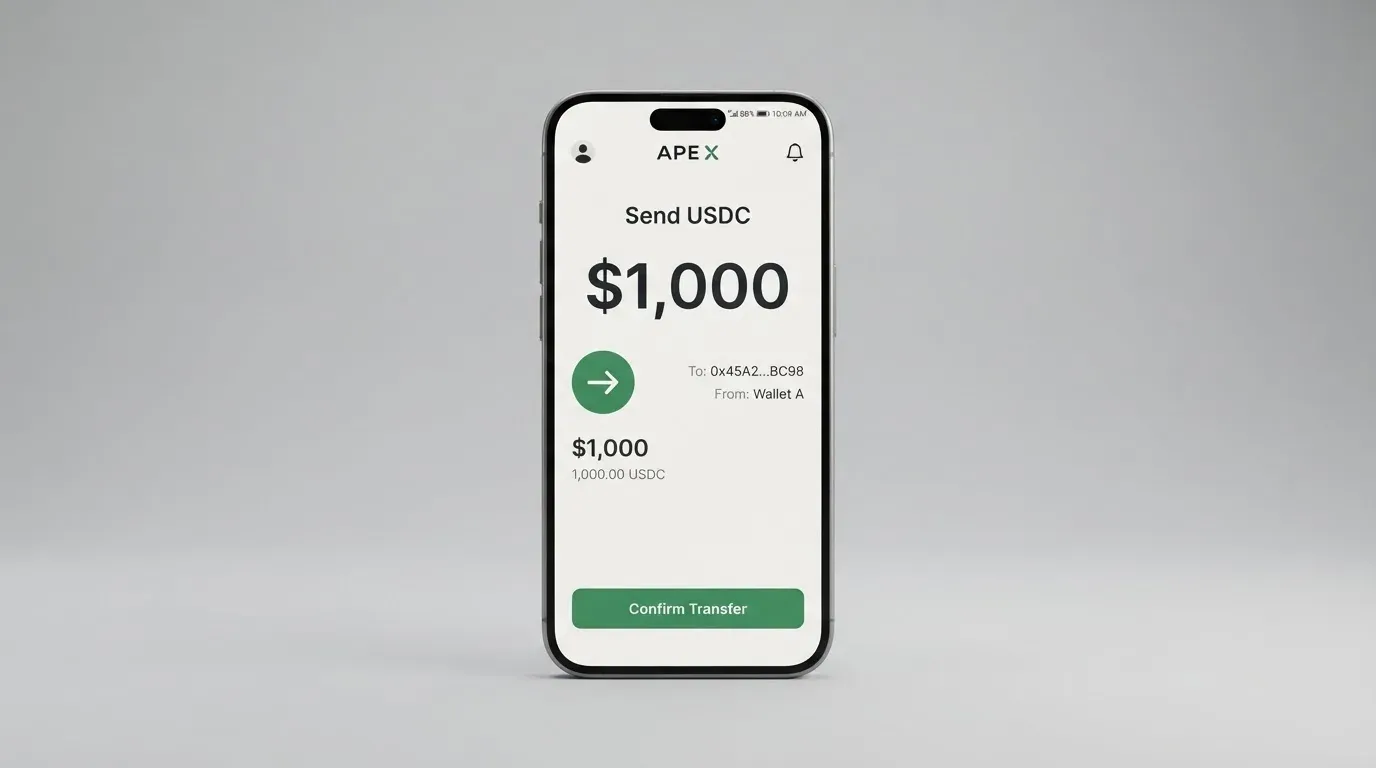
The funding menu, in plain terms:
- Dollars via bank transfer, including ACH and wire, which arrive as dollars in the wallet.
- USDC or USDT via crypto deposit, on the networks Solid names: Fuse, Ethereum, and Base (EURC). Other networks work through a bridge with a 0.03% fee on top of the network cost.
- A Virtual Account, which costs $10 to open one time and is the path for moving dollars in from a regular bank.
Two modes sit on top of that funding. Cash mode is the default, and it simply spends from the balance. Credit mode is in beta, only available on Wirex-issued cards, and it borrows against soUSD (Solid’s dollar-pegged balance) rather than spending your own funds. If you do not have a Wirex-issued card, Credit mode is not available to you.
There are several things Solid does not state on the public pages. The top-up page does not say who pays the on-chain network fee on a crypto deposit; the deposit-fee table covers Solid’s 0.1% or 0.03% but not the gas or bandwidth that the underlying blockchain charges. The withdrawal page describes “instant withdrawals” of earnings and a cash-out to a bank account, but it does not list a withdrawal fee. And the page does not explain what happens to the balance if the card is closed — whether funds are released back to the wallet automatically, on request, or after a waiting period. These are the kinds of questions worth asking support before you commit a large balance.
Paying with the Solid card every day
The card is a single-click virtual Visa. The day-to-day reality, as I read the material, looks like this.
On mobile, you add the card to Apple Pay or Google Pay in one tap, and the card is then usable wherever contactless Visa is accepted. On the web, you add the card details manually to a checkout. There is no physical card described anywhere on the public pages, and an unofficial third-party source (SpendNode, September 2026) says there is no physical card and no ATM access. That is a single source, not a Solid statement, and it should be treated as unconfirmed.
Two things the public pages do not spell out: the full list of blocked merchant categories, and the rules for unusual ones. Solid says “certain categories such as gas stations have extra safeguards,” but the categories themselves are not published. In the wider category of crypto cards, gambling merchants (MCC 7995) and certain high-risk categories are often blocked at issuer level, and that pattern probably holds here.
Cashback is paid in USDC. The Core 3% lands 14 days after the transaction settles, with a $50 monthly cap. The Prime tier raises both the rate and the cap; the Ultra tier raises them again. The Solid homepage advertises “up to 5% cashback,” which is the Ultra figure. The app itself is on Apple App Store and Google Play, and there is a web app; Solid does not show an aggregate rating or review count on its own site.
The dispute and chargeback process is not described on the public pages. What is described is the Visa Platinum purchase protection of up to USD 10,000, with claims going through Visa’s benefits portal. The gap between “Visa’s protection” and “Solid’s dispute process” is not bridged on the pages I read, and that is one of the things a cardholder would want to clarify before relying on the card for high-value purchases.
Two practical points round out the everyday picture. Address Verification Service (AVS), which many US, Canadian and UK merchants use to compare the numeric parts of a billing address with the issuer’s records, is often unavailable for foreign-issued cards and can cause declines — worth knowing if you regularly shop with US merchants from abroad. And a declined authorisation can leave a hold on the balance for up to around 7 days, so a few near-misses in a row can look like a bigger problem than they are.
What can go wrong with the Solid card
The risk picture has three layers: the company behind the card, the self-custody model, and the things the public pages do not say.
On the company side, Solid describes itself as “a financial technology company, not a bank.” The banking piece is handled by SSB, which is a Member FDIC, and that insures the dollar side of deposits up to $250,000 per depositor per insured bank. The card programme is held by Rain or Wirex, depending on your country of residence, and the governing terms are the Fuse Network LTD Card Terms (US Consumer Program / International Consumer Program). Licence numbers are not published on the pages I read.
On the self-custody side, Solid says the wallet is “fully self-custodial, only you hold the keys,” with passkeys for access, and that funds “remain in your non-custodial wallet until used for transactions.” That is the model in one sentence, and it has a well-known shape: you keep control of the private keys, the card spends from your balance, and you are the one who loses the funds if you lose the keys. Stablecoin transfers are irreversible, so a deposit sent to the wrong network or the wrong address is unlikely to come back.
On the unspoken side, I did not find a Trustpilot page, an App Store score or a Reddit thread for Solid in a search run on 2026-10-20; the results that came back were other brands. That is not a negative signal on its own, but it means there is no public user base to lean on for honest first-hand reports. The official pages do not describe a complaints or incident history. The combination of a young-looking public footprint and a non-custodial model is the kind of thing to test with a small balance before committing a large one.
The wider category also has a track record worth keeping in mind. The card network itself (Visa, in this case) can wind down a programme, and it has done so: Visa terminated its global agreements with FTX on 13 November 2022, and the WaveCrest-issued Visa programmes in Europe were closed in 2018. A self-custody model softens that risk because the funds are not on the card issuer’s balance sheet, but a programme closure still cuts off the spending path until you can move it.
Finally, regulation is not standing still. The lock amounts for Prime and Ultra change on 12 October 2026, and the card issuer is set by country. None of the public pages mention a licence event, suspension or order, but it is worth checking the page for changes if you are reading this months after publication.
What to take instead of the Solid card
If Solid does not fit — perhaps you need a physical card, perhaps you want a multicurrency balance, perhaps the 1.5% FX cost rules it out for your spending pattern — three alternatives cover different gaps. None of them are perfect substitutes; they are different trade-offs in the same category.
International Visa Card is the closest in spirit: a US-issued Platinum Visa with a virtual card available now and a physical card “coming soon.” The eligibility list is published, which is a real plus: cards are not available to residents or legal registrants of Belarus, mainland China, North Korea, Cuba, India, Iraq, Iran, Israel, Myanmar, Nepal, Nicaragua, Russia, Syria, Turkey, Ukraine, Venezuela or Vietnam, with FATF grey-list countries reviewed case by case. The cost side is similar in shape to Solid, with a $5 one-time virtual card fee, no maintenance fee, and a choice of three plans (Classic free, Pro $9.00/month, Max $19.00/month). Where it diverges is in FX (2% on top of the Visa rate) and the absence of any cashback. It is the right fit if published eligibility matters more than cashback, and if a 2% FX cost is acceptable. International Visa Card scores 6.7 / 10 in my reading.
UNi Card sits on the Mastercard network, spends from a UNi.Global account balance, and promises “no annual fee, no foreign transaction fee,” with assets converted at “live OTC (Over-the-Counter) rates” and “no hidden exchange fees.” It advertises “Spend-to-Earn rewards up to 3%.” Eligibility, funding options, and the physical-or-virtual split are not stated on the public material. If multicurrency spending at low cost is the priority, UNi Card is the one to look at; if you need to know who can get one and how, those answers are not on the public page. UNi Card scores 6.1 / 10 in my reading.
Whop Cards is a Visa that spends from a Whop balance, with “No extra fees” and 5% cashback at select merchants (currently Uber, with more planned). Consumers can sign up in 31 US states; the list is published, which is helpful. Unsupported consumer countries are listed and include Belarus, mainland China, Cuba, Hong Kong, India, Iran, Iraq, Israel, Myanmar, Nepal, Nicaragua, North Korea, Russia, Syria, Turkey, Ukraine, Venezuela and Vietnam. The card type, the funding networks, and the cashback conditions are not stated on the public material. Whop Cards scores 5.2 / 10 in my reading.
| Card | Score | Network | Card type | Cashback | FX cost | Notable |
|---|---|---|---|---|---|---|
| Solid | 7.8 / 10 | Visa | Virtual only | 3%–5% in USDC | 1.5% on non-USD | Self-custody, free at all tiers |
| International Visa Card | 6.7 / 10 | Visa | Virtual (physical coming) | None | 2% on non-USD | Published eligibility list, three plans |
| UNi Card | 6.1 / 10 | Mastercard | Not stated | Up to 3% | None stated | OTC rates, multicurrency balance |
| Whop Cards | 5.2 / 10 | Visa | Not stated | 5% at select merchants | Not stated | US-state-based eligibility, balance-based |
The pattern is straightforward. Solid wins on price and on the self-custody model, loses on physical access. International Visa Card wins on transparency, loses on FX and cashback. UNi Card wins on FX, loses on disclosed details. Whop Cards wins on a niche cashback rate, loses on geographic reach.
Who I would recommend the Solid card to
If you are the kind of person who already runs a non-custodial wallet, who mostly spends in dollars, and who would rather not hand a third party the keys to your crypto, the Solid card is a credible option. The fees are real: issuance free, monthly fee free, top-up free, and a clean tier ladder that lets you trade subscription cost or FUSE lock-up for higher cashback. The funding menu is the kind of menu a self-custody user expects — USDC and USDT on the chains you’d actually use, with a $10 minimum. And the self-custody model is a fit, not a bolt-on: the card is just a spending rail on top of the wallet you already control.
If you are the kind of person who needs to walk up to an ATM, who wants a metal card to tap at a hotel desk, who spends in a non-USD currency most days, or who wants a published list of which countries are accepted before you install an app, the Solid card is not for you. The card is virtual-only, the country list is not published, and the 1.5% FX cost will compound on every non-USD purchase. For you, International Visa Card, UNi Card, or Whop Cards is a more honest starting point.
A sensible first move, in either case, is small. Test the sign-up flow, add a modest balance, make a few real-world purchases through Apple Pay or Google Pay, and confirm the cashback lands in USDC and the 14-day settlement is what you were expecting. Once you have seen it work end-to-end, you can scale up — or move on, with a clear head.
Frequently asked questions
What is the Solid card?
The Solid card is a free virtual Visa card linked to a self-custody crypto wallet, issued on the Visa Platinum tier, with a 0% top-up fee at all tiers and cashback paid in USDC.
How does the Solid card work?
You download the app, complete a single identity check that takes about 2 minutes, receive the virtual card, and top it up with dollars or stablecoins (USDC, USDT). At purchase, the card spends from your balance, and cashback lands 14 days after the transaction settles.
Is Solid a bank?
No. Solid describes itself as a financial technology company, not a bank. The banking piece is handled by SSB, Member FDIC, which insures the dollar side up to $250,000 per depositor per insured bank.
Who owns Solid?
The public pages describe the issuer as Rain or Wirex, depending on the cardholder’s country of residence, with the banking side run by SSB, Member FDIC. Licence numbers and ownership details beyond that are not stated.
Is the Solid card available in my country?
Solid says it issues cards in 105 countries across most major world regions, but does not publish the list. The rule is by country of residence. An unofficial third-party list (SpendNode, September 2026) names India, Turkey and Russia among countries where cards are reportedly not issued to residents.
How do I get the Solid card?
Download the app, complete the identity verification, get the free virtual card, and deposit at least $10 to fund the first purchases. There is no physical card described.
Does the Solid card require KYC?
Yes. Solid says you verify your identity in about 2 minutes, but it does not publish which documents are accepted or what the age requirement is.
How do I top up the Solid card?
Top up with dollars via bank transfer (ACH or wire), with USDC or USDT on Fuse, Ethereum or Base (EURC), or with dollars via a Virtual Account that costs $10 to open. The minimum crypto deposit is $10, and the top-up fee is 0% at all tiers.
Is the Solid card free?
Card issuance is free, the monthly fee is free, and the top-up fee is 0% at all tiers. Non-USD spending carries a 1.5% FX cost (1% card provider + 0.5% Solid), crypto deposits on Ethereum carry 0.1%, deposits via bridge carry 0.03%, and the Virtual Account costs $10 to open.
How do I add the Solid card to Apple Wallet or Google Pay?
Solid supports “one-tap integration” with Apple Pay and Google Pay on mobile, so the card is added directly from the app. For the web app, you add the card details manually at checkout.
App and neobank card fees – cryptocardfacts
Content created by the «cryptocardfacts» team