
A crypto card with no monthly fee and no FX markup, priced high for physical plastic outside the US
 Available in US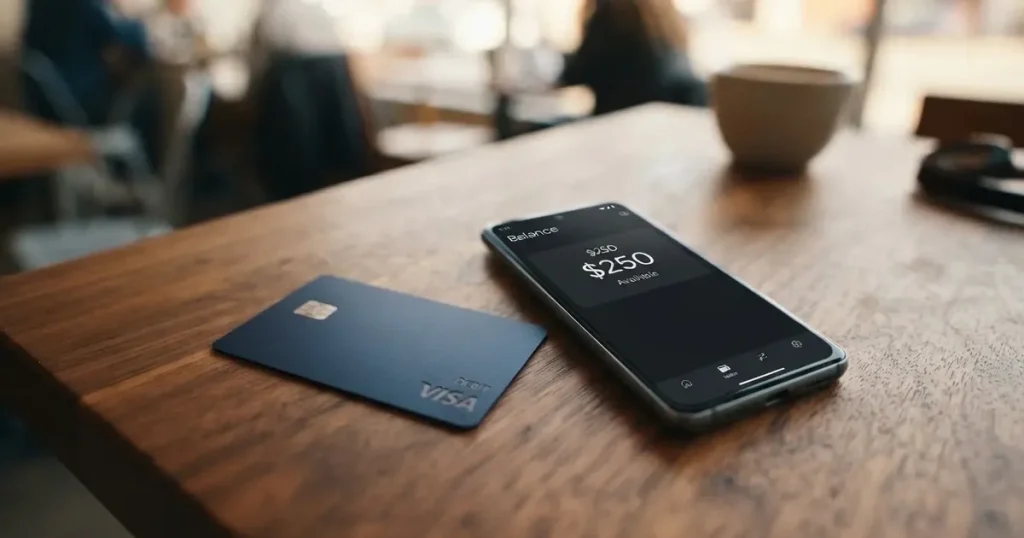
The Decaf card is a crypto-linked Visa with two things going for it: no monthly or annual fee, and no foreign-exchange markup on top of the Visa rate. Those are real advantages in a category where the small print usually hides a subscription and a conversion charge. The catch is everything the card’s public pages do not say: which coins and networks top it up, what the conversion charge is, who issues it, and what happens to your balance if the programme folds. I scored it 6.2 out of 10, and the reasons are in the table below. The audience this fits best, in my reading, is freelancers paid in dollars who already keep their own keys and want a card that spends directly from that balance.
Conditions are current as of October 28, 2026.
Verdict
Decaf is worth a look if you want a low-cost crypto Visa without a subscription and you are comfortable moving funds yourself. It is not worth a lot of your time if you need a mainstream card with a named issuer, published KYC levels, or a clear answer to “what happens if this company stops operating.”
| Criterion | Mark | Why |
|---|---|---|
| Who can get it | 8 / 10 | Not issued in 19 restricted countries (Belarus, China, India, Iran, Russia, Turkey, Ukraine, Vietnam, Nigeria and others) and 12 US states |
| Cost | 7 / 10 | Activation $5 virtual, $10 physical (US only) or $90 (rest of world); no monthly or annual fee; FX at the Visa rate with no Decaf markup |
| Top-up options | 5 / 10 | Customers pay Decaf USDC, and the app runs on Solana and Stellar; the coins and networks that top up the card itself are not named |
| Reliability and complaints | 4 / 10 | Decaf, Inc. (Delaware) is named but not the issuer or any licence; one Trustpilot review, 1 star, Sep 23, 2026, about fake support |
| Everyday use | 6 / 10 | Virtual and physical Visa, ATM $250 per transaction up to 3 times a day; Apple Pay and Google Pay not stated |
| Total | 6.2 / 10 | A cheap, honest-fee card for self-custody users who accept the gaps |
Who they will issue the card to
The list of places you cannot get Decaf is long and specific, and it is the first thing to check. The card is not issued in Belarus, China, North Korea (DPRK), India, Iran, Iraq, Israel, Myanmar, Nepal, Russia, Syria, Turkey, Cuba, Ukraine, Venezuela, Vietnam, Nicaragua, Puerto Rico or Nigeria. In the United States, twelve states are restricted: Arizona, Delaware, Georgia, Idaho, Louisiana, Maryland, Montana, Ohio, Oregon, Rhode Island, Washington and Wisconsin.
Two things about that list you should notice. First, Russia and Belarus both appear on it, and whether the rule applies by citizenship or by residence is not stated, so if you hold a passport from one of these countries but live elsewhere, you will not find the answer on the card’s own pages. Second, twelve restricted US states is a meaningful share of the country, and if you are in Ohio or Washington you are excluded from a US-address physical card, which also means the $10 activation is not the option available to you.
If your country is not on that list, the next question is whether your ID and address will pass. That is covered under the signup section below.
How to get it
The signup line is short: “Sign up and verify your identity once.” Beyond that, the card’s public pages do not state which documents are accepted, whether proof of address is required, or what the minimum age is. Nor are KYC levels published, so you cannot tell from the marketing whether the card has a tiered-limits system or a flat one.
The card itself is a Decaf Visa, available as a virtual card or a physical card. The physical card ships with tracked delivery. Which of the two you get determines the activation charge, and the numbers are stark: $10 in the United States, $90 everywhere else. That is worth pausing on. A physical card costing $90 outside the US is not a casual purchase, and the pages do not state a delivery time or a replacement cost if the card is lost or stolen in the post.
Fees: what it really costs
The good news is genuinely good news. There is no monthly fee and no annual fee. The activation cost is $5 for a virtual card worldwide, $10 for a physical card in the US, or $90 for a physical card in the rest of the world. Foreign exchange is the strongest point on the whole card: Decaf adds no FX fee, and the rate is the one Visa offers, so you are not paying a markup on top of the network rate.
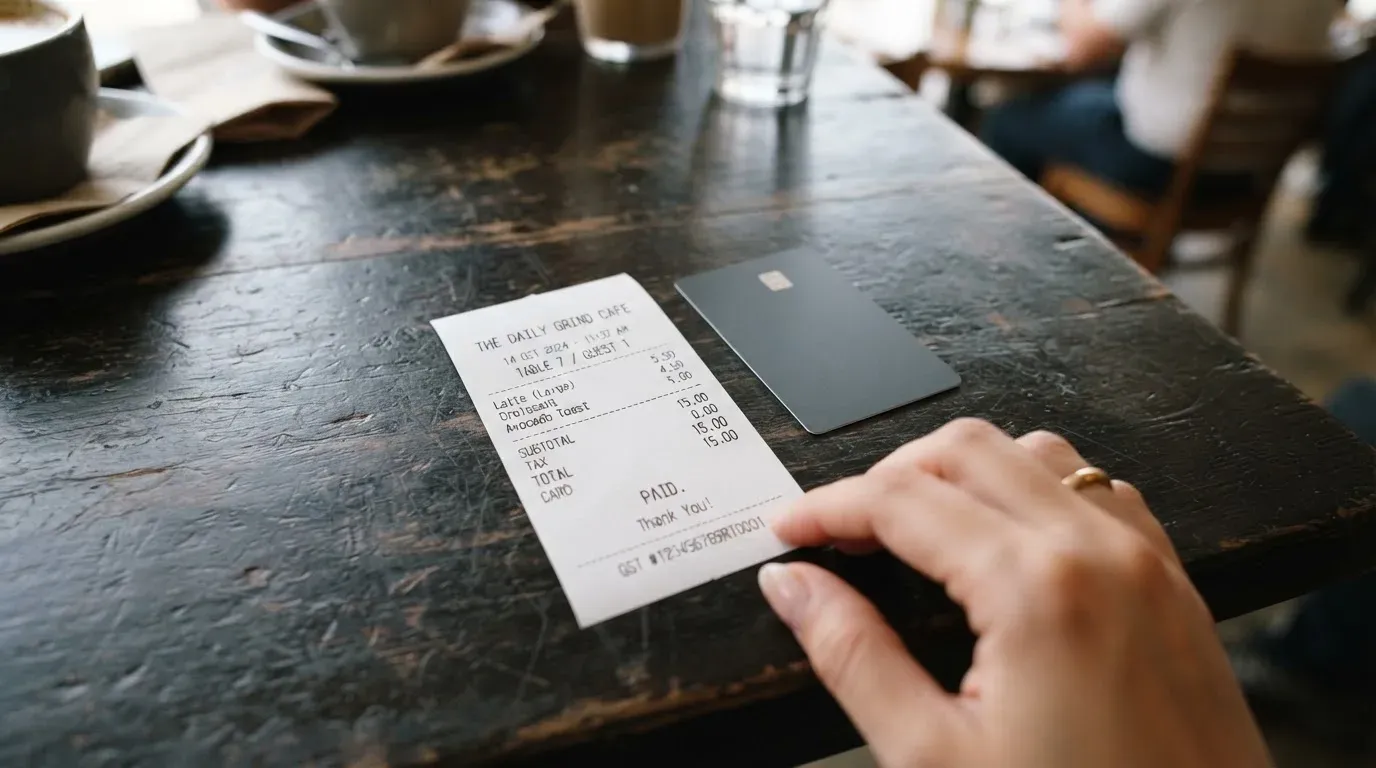
Where the pricing picture gets murky is everything else. The crypto conversion fee is not stated. The ATM free allowance is not stated. The card currency is not stated either; the page headline says “Earn in dollars” and the sample balance is shown in USDC, but the currency the card itself holds is left unsaid.
| Fee or limit | What the card states |
|---|---|
| Activation, virtual card | $5, worldwide |
| Activation, physical card | $10 (US only) or $90 (rest of world) |
| Monthly fee | None |
| Annual fee | None |
| Foreign exchange | No Decaf fee; the Visa exchange rate applies |
| Crypto conversion fee | Not stated |
| ATM withdrawal fee added by Decaf | None |
| ATM limit | $250 per transaction, up to 3 times per day |
| Free ATM allowance | Not stated |
| Spending limits | Set by you in the limits section of the card screen |
Now let us run three ordinary payments through those rules, because that is where the missing numbers bite.
A coffee abroad, say 4 EUR on a card with a euro balance. The FX line applies: the Visa rate, no Decaf markup. If you are paying from a USDC balance, a conversion happens somewhere between the stablecoin and your account, and the conversion fee for that step is not stated. That is the single figure you would want most and cannot get from the pages.
A cash withdrawal above the limit, for instance. The ATM limit is $250 per transaction, so anything higher would be declined on that transaction, not split. Within the limit, Decaf adds no ATM fee, but the ATM operator’s own surcharge is outside the card’s control and the free allowance is not stated, so you cannot tell whether a small withdrawal is free.
A subscription bought online. Any decline can leave a hold on funds that can linger for days, typically up to seven, which is normal for card networks but worth knowing if your balance is small. Whether 3-D Secure applies, and which blocked merchant categories exist, are not stated on the card’s pages.
There are no tiers, by the way. The card has two forms, virtual and physical, with different activation fees, but no published tier structure.
Top up: how money gets in
Here is the part that needs the most caution from you, and it is where the card scored lowest of the pricing criteria. The picture the pages give is this: clients can pay a Decaf payment link or account details by card, bank transfer or USDC, and the sample balance on the page is shown in USDC. The app runs on Solana and Stellar. Funds arrive as USDC into the Decaf balance and are moved to the card balance in-app.
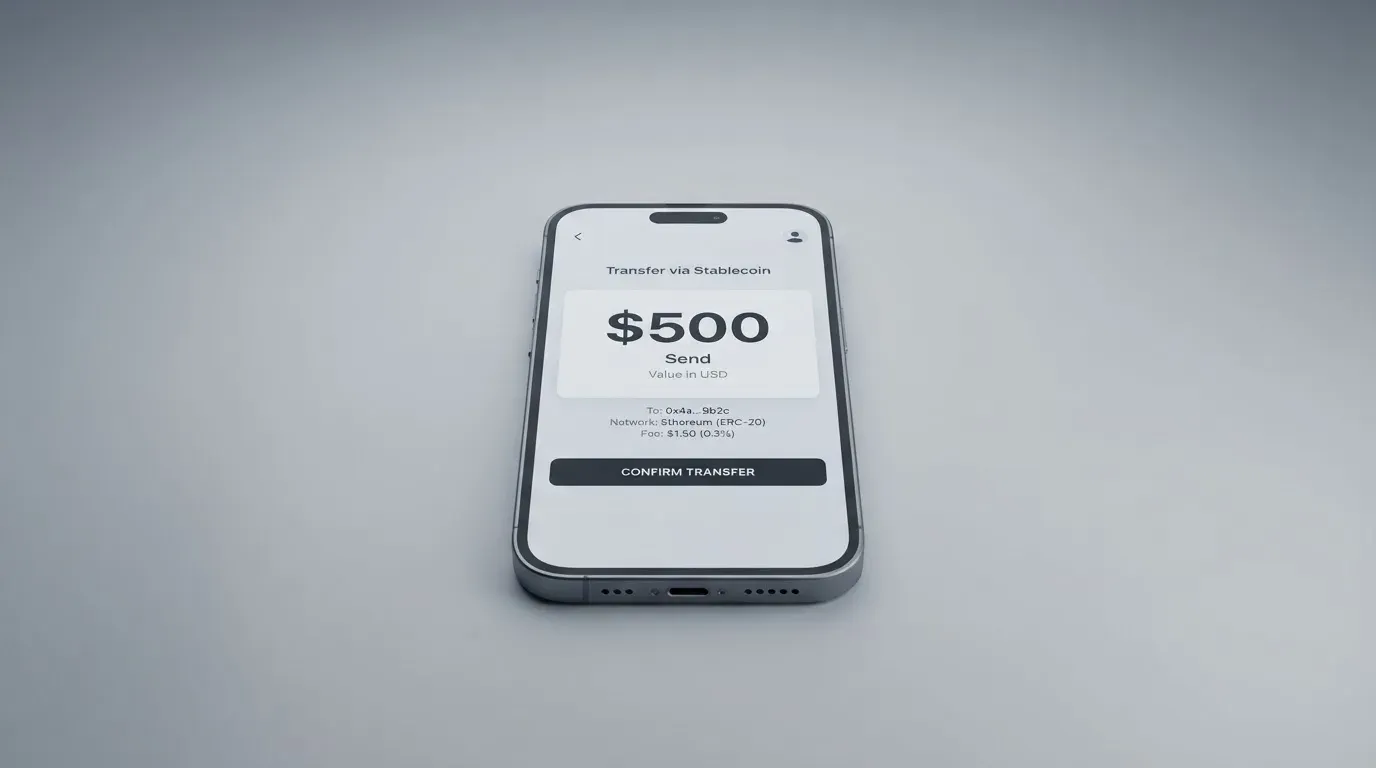
What the pages do not state is the most practical part of all this: which coins and which networks top up the card itself. They also do not state the deposit fee, the minimum top-up, or who pays the network fee when you transfer on-chain. So you are left with a transfer whose destination and fee you have to confirm inside the app before you send, and blockchain transfers do not forgive a wrong network or a wrong address.
Getting money back out, the card is more forthcoming on geography: bank withdrawals to accounts in 85+ markets, and cash pickup through MoneyGram in 180+ countries. What it does not state is how to move the card balance back to crypto, or what happens to a remaining balance if you close the account.
Paying with it every day
The everyday picture is competent rather than impressive. You get a virtual Visa and a physical Visa, and the physical one works at ATMs within the $250-per-transaction, three-times-a-day limits described above. Spending limits are set by you in the limits section of the card screen, which is a genuinely useful control when the card spends a balance you can see.
The gaps are the notable part. Apple Pay and Google Pay are not stated, and mobile wallets are how most people pay now, so check whether your setup works before you depend on the card day to day. Whether blocked merchant categories exist is also not stated, and card issuers commonly block gambling and similar categories by policy rather than law, with the blocked list varying by issuer. Rewards or cashback are not stated at all.
The app is the other daily dependency. It is listed for iPhone, iPad and Apple Vision, and its App Store rating was 4.4 out of 5 from 113 ratings when I read it on 2026-10-21, having shown 4.5 from 88 ratings earlier, with the app-ID page giving the figure used here. Google Play was not read, so if you are on Android the app’s standing is unverified in my notes. How disputes and chargebacks are handled on a card like this is not stated either.
What can go wrong
The company behind the card is Decaf, Inc., described as a financial technology company registered in Delaware, USA. It states it is not a bank, exchange, or asset custodian, and that payment services are provided via licensed partners in each jurisdiction. What it does not do is name the card issuer or any licence. That is a real gap: when a card is issued, some institution holds the programme and is answerable to the network, and the card does not put a name to it.
On custody, the App Store listing describes the app as non-custodial, with “only you control your private keys,” and Decaf states it is not an asset custodian. User-set spending limits are there too. Whether the app offers an instant freeze and 2FA is not stated, and those are the controls that matter most if a phone is lost. Support runs on Intercom with a Help Center covering Business Accounts, Decaf wallet, DecafPay and Guidelines; no other channels or hours are listed, and the App Store listing is English only, so Russian is not supported.
On complaints, I found no official incidents. The one third-party data point is a Trustpilot review on decaf.so, a TrustScore of 3.2 out of 5 from a single review, 1 star, dated Sep 23, 2026, on an unclaimed profile, titled “Scammers 2” and alleging fake support. That is a user report, not a finding, and one review is far too few to call a recurring theme. A search for Decaf card reviews turned up no Reddit threads and no card-specific reviews. I want to be honest about what that absence means: a thin review trail is not a clean bill of health, it just means there is very little public history either way.
Two structural risks sit underneath all of this, and they apply to crypto cards generally rather than to Decaf specifically. The first is custody history: custodial platforms have a record of failure, from Mt. Gox at about US$350 million reported stolen in 2011 to 2014, through Coincheck at about US$400 million in 2018, to Ronin Network at US$625 million in 2022. Decaf’s non-custodial design is a response to that, but the balance you spend from still sits with the issuer’s programme. The second is programme closure: WaveCrest, a Visa issuer that supplied crypto card brands, was suspended by Visa in Europe in 2018 and all its programmes were closed, and Visa terminated its agreements with FTX on 13 November 2022. Closures follow a pattern of a notice period, then spending and loading stop, then you are asked to withdraw what remains.
One last practical risk, on the crypto side of top-ups: transfers are irreversible, so a deposit sent on a network the provider does not support, or to an address belonging to a different network, can be lost or need manual recovery with no guarantee. That is exactly the case where “which networks top up the card” being unstated stops being a documentation nit and starts being a money risk.
What to take instead
If Decaf’s gaps bother you, the comparison below is not exhaustive, but it is honest about what each of these does better and worse.
| Card | Score | Strong point | Weak point |
|---|---|---|---|
| Decaf | 6.2 / 10 | No monthly fee, no FX markup | Issuer and licences unnamed; top-up networks not stated |
| MetaMask | 7.1 / 10 | Largest and clearest country list, rewards published | Metal costs $199/year; US and UK sign-ups temporarily closed |
| TokenPocket | 5.8 / 10 | Virtual card, explicit 1% crypto deposit fee | 1% deposit fee; Americas listed as planned, coverage patchy |
| KAST | 6.1 / 10 | Long published fee table, three card tiers, cashback tiers | Membership tiers cost up to $10,000/year; delivery fee for Standard physical card |
On MetaMask, the most useful thing for a reader in this position is that its sign-up list is published: 45 listed countries and territories with examples such as Andorra, Argentina, Brazil, Canada, Mexico, Germany, France, Spain and Uruguay, with other regions on a waitlist, proof of residency required, and ineligible regions limiting sign-ups rather than spending. It is a Mastercard, virtual first, issued by Monovate with Crypto Life as card provider, one card per user, spending directly from the connected wallet on Linea, Base, Monad and Solana. The virtual card is free with no annual or maintenance fee and no foreign transaction fee; metal is $199/year. Cashback is 1% on virtual, and 3% on metal limited by a footnote to the first $10,000 spent then 1%, plus a $FLY bonus via Blackbird.
On KAST, the strengths are transparency and pricing tiers, but they come at a price for most people: annual membership of 0 USD for Standard, 1,000 USD for Premium and 10,000 USD for Private, billed annually upfront, with a 1 USD/month inactivity fee after 12 months and a 2 USD charge for an extra virtual card. The fee table is unusually complete: stablecoin top-up 0%, card spend in USD 0%, transaction fee 0%, Apple and Google Pay 0%, non-USD FX 0.5% to 1.75% depending on your country of residence, the transaction country and the card programme, non-USD transactions under 25 USD at 0.10 USD, and a declined transaction for insufficient balance at 0.50 USD. Its eligibility check is also the most explicit of the four, because it states that if you live in a supported country but hold an ID from a restricted region you may still be ineligible to pass KYC.
TokenPocket is the weakest of the four on the numbers, but it publishes its one fee plainly: a 1% fee when depositing cryptocurrency into the card, refunded later through rewards or reduced transaction fees, and otherwise no additional fees. Its coverage is the problem, with Visa debit for a list of European countries and territories and Mastercard debit for Australia, Canada, Hong Kong, Japan, Taiwan, New Zealand, Singapore, South Korea, the UK and others, while the Americas are marked as planned for Q2 2025.
Who I would recommend it to
I would recommend Decaf to a freelancer who is paid in dollars, already keeps their keys, and wants a card with no subscription and no FX markup, and who is comfortable confirming the network in the app before every transfer. For that person the price is fair: $5 for a virtual card is the cheapest entry point among the cards here, and the honest FX line is worth more than it looks.
I would not recommend it as your only card, or to anyone who needs certainty about the issuer, the licence, the KYC levels, or the outcome on closure. The card tells you it is not a bank and not a custodian, which is a start, but it does not name who issues the card or under what licence, and those are the details that determine both your deposit protection and what happens if the programme ends.
Before you commit, check three things in this order: whether your country and ID pass the restricted list, whether the app shows you the exact network and fee for the top-up you are about to make, and whether you can live with support in English through Intercom with no published hours. If all three are fine, the $5 virtual card is worth a look.
Frequently asked questions
What is the Decaf card?
The Decaf card is a Visa, available as a virtual or physical card, that spends a balance you load yourself rather than drawing on a bank account. Customers pay Decaf by card, bank transfer or USDC, funds arrive as USDC and are moved to the card balance in-app, and the app runs on Solana and Stellar. The card is presented as a card for people who keep their own keys, with no monthly or annual fee.
How does the Decaf card work?
You sign up, verify your identity once, load a balance, and then spend that balance. Spending limits are set by you in the limits section of the card screen. Cash withdrawals work on the physical card within $250 per transaction and up to 3 times a day. The card currency is not stated on the pages, though the page headline says “Earn in dollars” and the sample balance is shown in USDC.
Is Decaf a bank?
No. Decaf, Inc. describes itself as a financial technology company registered in Delaware, USA, and states that it is not a bank, exchange, or asset custodian, with payment services provided through licensed partners in each jurisdiction. The card does not name its card issuer or any licence, so you cannot tell from the pages which institution holds the card programme.
Who can get the Decaf card?
The card is not issued in 19 restricted countries including Belarus, China, India, Iran, Russia, Turkey, Ukraine, Vietnam and Nigeria, nor in 12 US states including Arizona, Delaware, Ohio, Oregon and Washington. Whether the country rule applies by citizenship or by residence is not stated. Documents, proof of address and minimum age are also not stated.
Is the Decaf card free?
Partly. There is no monthly fee and no annual fee. Activation costs $5 for a virtual card worldwide, $10 for a physical card in the US, and $90 for a physical card in the rest of the world. The crypto conversion fee and any free ATM allowance are not stated, so the true cost of a heavy user cannot be calculated from the pages.
Does the Decaf card add a foreign exchange fee?
No. Decaf states it adds no FX fee and that the exchange rate is the one Visa offers, which is the strongest point of the card. That said, if your balance is held in USDC, a crypto-to-fiat conversion happens somewhere in the chain and its fee is not stated on the pages.
How do you top up the Decaf card?
You pay a Decaf payment link or account details by card, bank transfer or USDC, and funds arrive as USDC into the Decaf balance before you move them to the card balance in-app. Which coins and networks top up the card itself is not stated, nor is the deposit fee, the minimum, or who pays the network fee, so confirm the network in-app before sending anything.
Can I use the Decaf card in Apple Wallet?
The card’s pages do not state Apple Pay or Google Pay support, so I cannot confirm either. This matters more than it used to, because mobile wallets are how many people pay day to day. The card does offer user-set spending limits, which is a useful control, but whether an instant freeze and 2FA exist in the app is not stated either.
Is the Decaf card safe?
Safety here depends on what you hold and who runs it. The app is described as non-custodial, with “only you control your private keys,” and Decaf states it is not an asset custodian. On the company’s side, I found no official incidents; the one third-party data point is a Trustpilot review on decaf.so scoring 3.2 out of 5 from a single 1-star review dated Sep 23, 2026, alleging fake support, which is a single user report rather than a pattern.
What can I do if I need my money back from Decaf?
Bank withdrawals to accounts are offered in 85+ markets, and cash pickup through MoneyGram in 180+ countries. Moving the card balance back to crypto is not stated, and neither is what happens to a leftover balance if you close the account, which is worth asking about before you load more than you plan to spend.
Wallet card fees and costs – cryptocardfacts
Content created by the «cryptocardfacts» team