
Cadmos card review: the self-custody Visa that spends your USDC
 Available in US
Cadmos is a self-custody wallet that also offers a payment card, so the crypto you already hold in your own wallet becomes spendable at any shop that takes Visa or Mastercard. The card is one of several products in a wider app that runs on stablecoins and lives in your own wallet rather than on a custodial exchange. The interesting thing about it is the model: your USDC and USDT never leave your wallet until the moment a payment goes through, which is a different promise from a typical crypto card.
Conditions on this page are current as of October 28, 2026.
Verdict: 7.0 out of 10
After reading the terms, the app flow, and what the company says about itself, I land on a score of 7.0 out of 10. Cadmos does the core things well for a specific reader: people who already self-custody USDC and USDT, want to spend that balance at a real-world terminal, and care more about not handing their keys to a custodian than about lounge access. The card is less convincing if you are looking for a fully published fee schedule, a list of supported countries, or the kind of everyday protections you get from a regulated e-money institution with a banking licence.
The card suits self-custody users who spend USDC and USDT from their own wallet and want a Visa or Mastercard at the end of that wallet. It does not suit a reader who needs a full public fee table before signing up, who wants a clearly named card issuer and licence, or who needs a published list of supported countries.
Here is how the score breaks down, criterion by criterion:
| Criterion | Mark | Why |
|---|---|---|
| Who can get it | 7 / 10 | Country list is not published; the only formal exclusion in the terms is US-embargoed countries |
| Cost | 7 / 10 | Premium is $0 per month with a 1.75% FX fee; issuance and crypto conversion fees are not disclosed; Standard’s pricing only appears on the order screen |
| Top-up options | 9 / 10 | USDC and USDT straight from the user’s wallet on Arbitrum, Solana and Tron |
| Reliability and complaints | 6 / 10 | Cadmos LTD has been in Limassol, Cyprus since 2021; the card issuer and licence are not named; no public complaints found; the wallet is non-custodial |
| Everyday use | 6 / 10 | Premium adds Google Pay on top of Apple Pay; Standard has Apple Pay only; virtual or physical, card currency and ATM support are not stated |
| Total | 7.0 / 10 |
Who they will give the card to
Cadmos does not publish a country list for the card. The terms require that you are not in a country under a US embargo, and the app then shows you which products and options are actually available to you during sign-up. In practice that means you only know whether you qualify once you open the app, not by reading a marketing page first.
The card is a Visa Signature for Premium and either Visa or Mastercard for Standard, with the exact network shown on the order screen. Cadmos has not said which countries it excludes beyond the embargo rule, what currencies the cards are denominated in, or whether a virtual-only or physical card is offered in your region.
This kind of “supported list revealed at sign-up” approach is common in newer crypto card programmes. It lets the company tailor the offering by jurisdiction, but it also means you cannot fully research eligibility before you download the app. If a published country list matters to you, that gap is worth flagging before you start.
How to get it
Sign-up is in the app, and the KYC checks differ by product. Cadmos says KYC may include a government ID, personal information, and a proof of liveness (a selfie or short video to confirm you are the person in the document). Proof of address, age threshold, and the documents the Standard product specifically requires are not stated, so you should expect the order screen to spell out the rest.
The card product is chosen on the order screen. Premium comes with a Visa Signature; Standard ships as a Visa or Mastercard depending on the region, and the app tells you which one is on offer. You cannot tell from the website alone whether you will receive a virtual card, a plastic card, or both: the card format and the card currency are not stated publicly. Delivery times are not stated either.
A practical point worth noting: the app’s KYC flow is the single point where every other decision flows from. If you are in a country Cadmos can serve, you will pass and see the order screen. If the app’s KYC engine rejects your ID or your country, you never reach pricing or card features, so any fee or feature comparison in this review should be read as “if the app lets you in.”
What it really costs: Fees
Pricing is partly transparent and partly behind the order screen. For the Premium card, Cadmos publishes $0 monthly fees and a 1.75% foreign-exchange fee. For the Standard card, Cadmos keeps the numbers off the public site: pricing is shown on the order screen when you sign up. The issuance fee for either card is not stated publicly, and the crypto-to-fiat conversion fee is not stated at all.
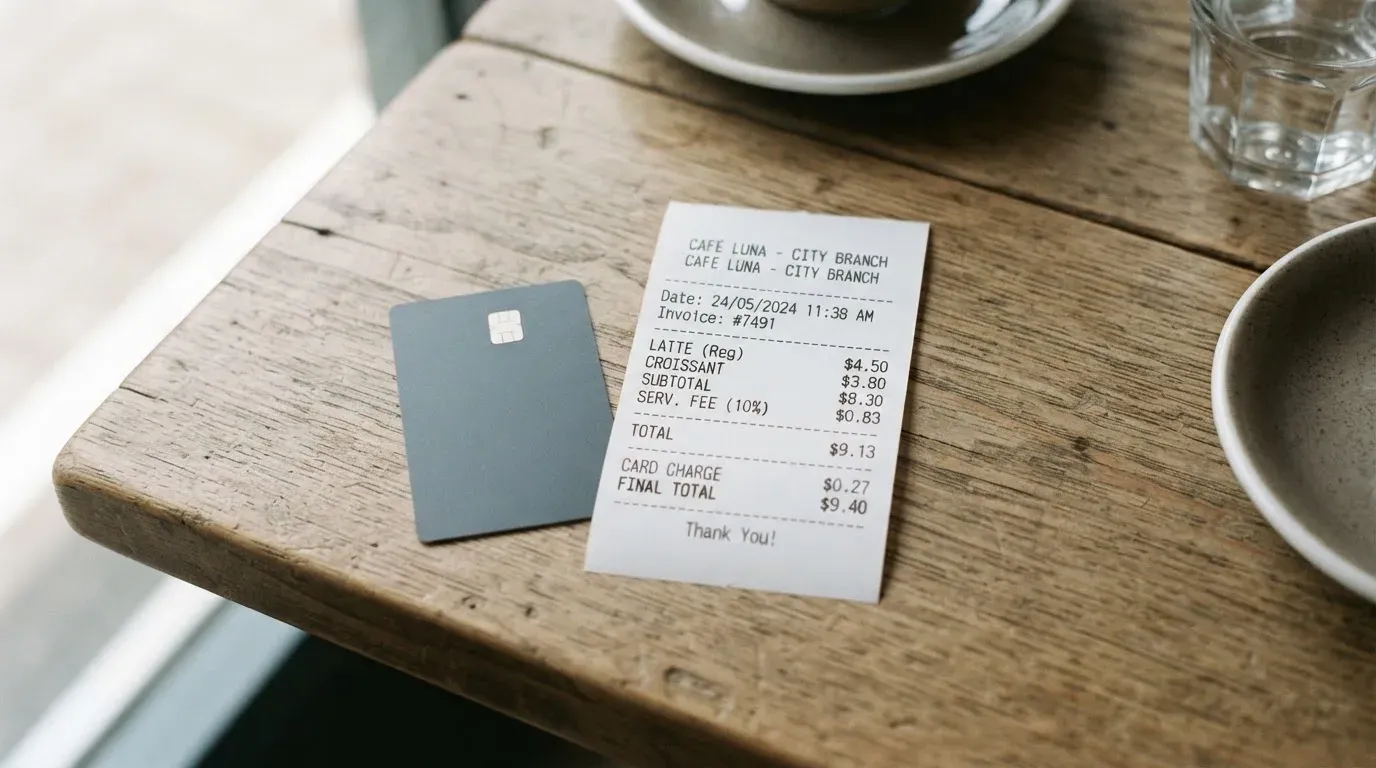
Here is what is and is not published:
| Fee or limit | Premium | Standard |
|---|---|---|
| Monthly fee | $0 | Not stated publicly; shown on order screen |
| Issuance fee | Not stated | Not stated publicly; shown on order screen |
| FX fee | 1.75% | Per programme terms; figures not published |
| Crypto conversion fee | Not stated | Not stated |
| ATM fee | Not stated | Not stated |
| Monthly spend limit | $175,000 | No wallet-balance or cumulative transfer cap; card limits set by the programme and shown in the app |
Now let me walk through three everyday payments to see which fees actually bite.
Buying a coffee with Apple Pay in your home currency. On a Premium card, this is a domestic transaction in the card’s base currency. Cadmos publishes no fee for in-network domestic spending, so on paper this is a free payment. The only cost is the spread on the conversion from your USDC or USDT to fiat at top-up, which Cadmos does not publish.
Paying a foreign hotel bill in euros from a US-dollar card. This is where the 1.75% FX fee on Premium becomes visible. The card network converts euros to dollars; Cadmos charges 1.75% on top. Standard’s FX fee is “per programme terms,” with no figure, so a Standard user would need to look at the order screen before relying on the card abroad.
Withdrawing cash from an ATM. Cadmos does not publish an ATM fee for either tier. In practice that usually means there is one, and you find it from the card network (Visa or Mastercard) or the ATM operator, plus a possible foreign-exchange fee if the ATM dispenses a different currency. With no published number, the only honest answer here is “I do not know until I try.”
The cost section is the weakest part of the public information Cadmos provides. A reader who needs a fully published fee table before signing up will not find one.
How to top it up: Top up
The card is funded straight from your own self-custody wallet, not from an exchange account or a custodial balance at Cadmos. The two stablecoins Cadmos accepts are USDC and USDT, and the merchant is paid in fiat. The networks on which you can send those stablecoins are Arbitrum, Solana, and Tron.
What that means in practice: the wallet holds USDC and USDT; when you top up the card, a transfer goes from your wallet to the card programme; the merchant is settled in fiat. The wallet balance stays self-custodial until a card top-up is approved, and Cadmos’s stated position is that it does not hold, safeguard, or take title to your digital assets or fiat funds. The recovery phrase for the wallet sits with you, the user.
A few things to keep in mind before you transfer:
- The networks are explicit. If you send USDC on a network Cadmos does not list, the funds can be lost. Blockchain transfers are typically irreversible, so a wrong network is a real risk.
- Fees and minimums for the top-up itself are not stated. You will see the on-chain network fee (gas, bandwidth, or energy) charged by the blockchain, and you may see a Cadmos fee inside the app at the moment of top-up.
- Card-balance withdrawals are not stated. Account closure is by email, and closure does not freeze or move your digital assets, so your crypto is not at risk from closing the card account, but the procedure for cashing out a leftover card balance is not published.
Paying with it every day
Premium gives you Apple Pay and Google Pay; Standard gives you Apple Pay only. Google Pay is not mentioned for Standard. Blocked merchant categories are not stated, so there is no published list of where the card will be declined on policy grounds.
The Premium tier also brings a Visa Signature benefits package that includes lounge access at 1,300+ lounges in 500+ cities, a 24/7 concierge, and the Visa Airport Companion app. Premium is $0 per month. Standard has no benefits package listed.
The app exists at a /download page on the Cadmos site, but app-store ratings are not stated on the pages I read. For disputes, the terms say the agreement is governed by French law, the courts of Paris have jurisdiction, and there is a 30-day good-faith resolution window after written notice. The card-network chargeback process for fraudulent or problematic transactions is not stated, so the formal chargeback path is something you would need to discover through the card network or the issuer once you have the card.
What can go wrong
A few risks are worth being honest about, because the review score reflects them.
The card issuer is not named and no licence is named in the terms. Cadmos LTD is the company behind the app, registered in Limassol, Cyprus (registration number HE 457316), founded in 2021. Who actually issues the card and under what licence it operates are not in the public terms. That is a real gap, because the issuer is the party you rely on for chargebacks, account freezes, and consumer protection. With self-custody of your crypto, the issuer relationship matters most for the fiat side of the card.
I searched for Trustpilot and Reddit reviews of Cadmos Pay and found none. That can mean either “no one has had a bad experience worth writing about” or “not enough people have used the card publicly to surface a complaint.” I would not read silence as a guarantee, especially for a card programme that has not named its issuer.
The support channels Cadmos lists are an email address ([email protected]), a Help Center reachable in Settings, and a phone number (+1 (845) 588-8434). Premium customers also get 24/7 concierge by email and WhatsApp. The phone number is US-based; nothing in the public pages confirms an EU support line.
On the security side, the self-custody model is both the strongest and the most dangerous thing about this card. Cadmos states that it does not hold, safeguard, or take title to your digital assets or fiat funds, and that the user holds the recovery phrase. That is good news if you trust yourself with a seed phrase and bad news if you do not: a leaked phrase means a thief can drain the wallet, and there is no “forgot password” link to save you. On-chain transfers are typically irreversible, so clipboard-hijacking malware that swaps an address is a real threat.
Finally, the wider category risk: Visa and Mastercard themselves do not issue crypto cards. They licence issuers, and they can suspend programmes (Visa said in November 2022 that it had terminated its global agreements with FTX, and the FTX US debit card was wound down by its issuer). If Cadmos’s issuer is suspended or exits, your card may stop working and you may need to withdraw any remaining card balance within a notice period.
What to take instead
If Cadmos is not quite right, three alternatives are worth a look. They take different positions on custody, geography, and fees, and the trade-offs matter.
TokenPocket (TP Card), score 5.8 / 10. TokenPocket’s card is a Visa or Mastercard debit on Arbitrum. The Visa debit serves a list of European countries and territories (Germany, France, Spain, Switzerland are examples); the Mastercard debit serves Australia, Canada, Hong Kong, Japan, Taiwan, New Zealand, Singapore, South Korea, the UK, and others; the Americas are listed as “planned for Q2 2025.” Balances are held in EUR24 and USD24, and the card is virtual. TokenPocket partly covers the NFT creation fee, with the user paying a small portion, and the company says there are no other TP Card fees. A 1% fee applies when depositing crypto into the TP Card, which the company says will be refunded later through rewards or reduced transaction fees. FX fees are not stated, and inter-institution settlement can add extra fees.
MetaMask Card, score 7.1 / 10. MetaMask’s card is a Mastercard. Sign-up is open in 45 listed countries and territories (Andorra, Argentina, Brazil, Canada, Mexico, Germany, France, Spain, Uruguay are examples); other regions join a waitlist. Proof of residency is required. US and UK sign-ups are temporarily closed per the FAQ, and a US-issued or UK-issued ID alone does not currently let you in. The virtual card is free with no annual or maintenance fee; the Metal card is $199 per year. The card spends directly from a connected wallet, with mUSD, wETH, EURe, GBPe, USDC, USDT and others (the page says nine tokens) on Linea, Base, Monad, and Solana. Cashback is paid in mUSD: 1% on Virtual, headline 3% on Metal (with a footnote limiting 3% to the first $10,000 spent, then 1%), plus $FLY bonus multipliers via the Blackbird dining app. The fee is described as a “minimal fee for each transaction,” with no MetaMask fees and no foreign transaction fee; the actual figure is in a linked fee table that I did not read in full.
KAST, score 6.1 / 10. KAST is the most structured alternative, with three tiers: Standard ($0 annual membership), Premium ($1,000 per year, billed annually upfront), and Private ($10,000 per year, same billing). All three support up to 10 cards per user, virtual and physical, on Visa Platinum, Visa Infinite metal, and Visa Infinite gold plated respectively, plus branded designs. KYC is residence-based and the country list is not published; the rule that catches people out is the ID rule: if you live in a supported country but hold an ID from a restricted region, you can still be ineligible, and VPN does not bypass the check. The account is held in USD, stablecoin deposits convert 1:1 with 0% spread, card spend in USD is 0%, and the non-USD FX fee is 0.5% to 1.75% depending on your residence country, the transaction country, and the card programme. There is a $0.10 fee on non-USD transactions under $25, $0.50 on declined transactions, and a $1 per month inactivity fee after 12 months. USD cashback is 1.5%, 2%, or 3% on the first $2,000, $10,000, or $40,000 per month respectively, with extra KAST Points for the higher tiers.
Here is how the four options stack up side by side:
| Cadmos | TokenPocket | MetaMask | KAST | |
|---|---|---|---|---|
| Card type | Visa Signature (Premium) / Visa or Mastercard (Standard) | Visa or Mastercard debit, virtual | Mastercard (Virtual and Metal) | Visa Platinum / Visa Infinite metal / Visa Infinite gold |
| Monthly or annual fee | $0 (Premium) | $0 (apart from covered NFT creation) | $0 (Virtual); $199/year (Metal) | $0 (Standard); $1,000/year (Premium); $10,000/year (Private) |
| Funding | USDC, USDT from own wallet on Arbitrum, Solana, Tron | Crypto deposits from TokenPocket wallet (Arbitrum) | mUSD, wETH, EURe, GBPe, USDC, USDT and others on Linea, Base, Monad, Solana | USDT, USDC, PYUSD, RLUSD on Ethereum, Solana, Polygon, Arbitrum, Tron |
| Cashback | Not stated | 1% deposit fee (refunded later) | Virtual 1% / Metal 3% (first $10,000) | 1.5% / 2% / 3% on first $2,000 / $10,000 / $40,000 per month |
| Custody | Self-custody | Self-custody (TokenPocket wallet) | Self-custody (connected wallet) | Stablecoin balance at KAST |
Who I would recommend it to
If you are the kind of reader who already holds USDC and USDT in your own wallet, does not want to send them to a custodial exchange just to spend them, and is happy with a card programme that has not published a country list or a complete fee table, Cadmos is a reasonable fit. The self-custody story is real, the top-up is on three popular networks, and the Premium tier is $0 per month with a clear 1.75% FX fee.
If you need a fully published fee schedule, a named card issuer and licence, a public list of supported countries, or a card that works the same way in every region without surprises on the order screen, Cadmos will feel unfinished. The lack of public information on ATM fees, card currency, virtual versus physical availability, and the crypto conversion fee is a gap, and the absence of a named issuer is something I would want answered before I put a large balance through the programme.
A practical way to think about it: try Cadmos with a small balance first, see what the order screen shows you, see which card you are offered, see what the app charges on a first top-up, and only then decide whether to scale up. The card is built for that kind of incremental trust, and the self-custody design is what makes the incremental approach possible.
Frequently asked questions
What is the Cadmos card?
The Cadmos card is a payment card issued through the Cadmos app. Premium is a Visa Signature, and Standard is either Visa or Mastercard depending on the region. It is funded by USDC and USDT held in your own self-custody wallet, with transfers accepted on Arbitrum, Solana, and Tron.
Is Cadmos a bank?
No. Cadmos LTD is a company registered in Limassol, Cyprus (registration number HE 457316), founded in 2021. The card issuer and the licence under which the card is issued are not named in the public terms, so Cadmos itself is not a bank and the card is not a bank-issued product as far as the public pages show.
Who owns Cadmos?
Cadmos LTD is the company behind the app, registered in Limassol, Cyprus (registration number HE 457316), founded in 2021. It does not name individual owners, investors, or a parent group.
Is the Cadmos card available in my country?
Cadmos does not publish a country list. The terms exclude US-embargoed countries, and the app then shows you which products and options are available to you during sign-up. Whether you qualify is something the app will tell you, not something the website can tell you in advance.
Does the Cadmos card require KYC?
Yes. Cadmos says KYC differs by product and can include a government ID, personal information, and a proof of liveness. Proof of address, age threshold, and the Standard-specific KYC requirements are not stated on the public pages.
How do I top up the Cadmos card?
From your own self-custody wallet, with USDC or USDT, on Arbitrum, Solana, or Tron. The wallet balance stays self-custodial until the card top-up is approved. On-chain network fees (gas, bandwidth, energy) are charged by the blockchain, and any Cadmos fee or minimum is shown in the app at the moment of top-up.
Is the Cadmos card free?
Premium has $0 monthly fees and a 1.75% FX fee. The issuance fee and the crypto-to-fiat conversion fee are not published. Standard’s pricing is shown on the order screen, and the public site does not list it.
How do I add the Cadmos card to Apple Wallet?
Premium supports Apple Pay and Google Pay. Standard supports Apple Pay, and the app shows you the option to add the card once the order is complete. The exact on-screen flow is not described on the public pages, so you would discover it inside the app.
Is the Cadmos card safe?
Cadmos states that it does not hold, safeguard, or take title to your digital assets or fiat funds, and that you hold the recovery phrase. That keeps your crypto in your own hands. On the card side, the card issuer and the licence are not named, which is the gap a careful reader would want to close before putting a large balance through.
How do I delete my Cadmos account?
Account closure is by email. Closure of the account does not freeze or move your digital assets, so your crypto stays in your wallet. The procedure for withdrawing a leftover card balance is not stated on the public pages, so it is worth asking support about that balance before you close the account.
Wallet card fees and costs – cryptocardfacts
Content created by the «cryptocardfacts» team